
Surface Zones
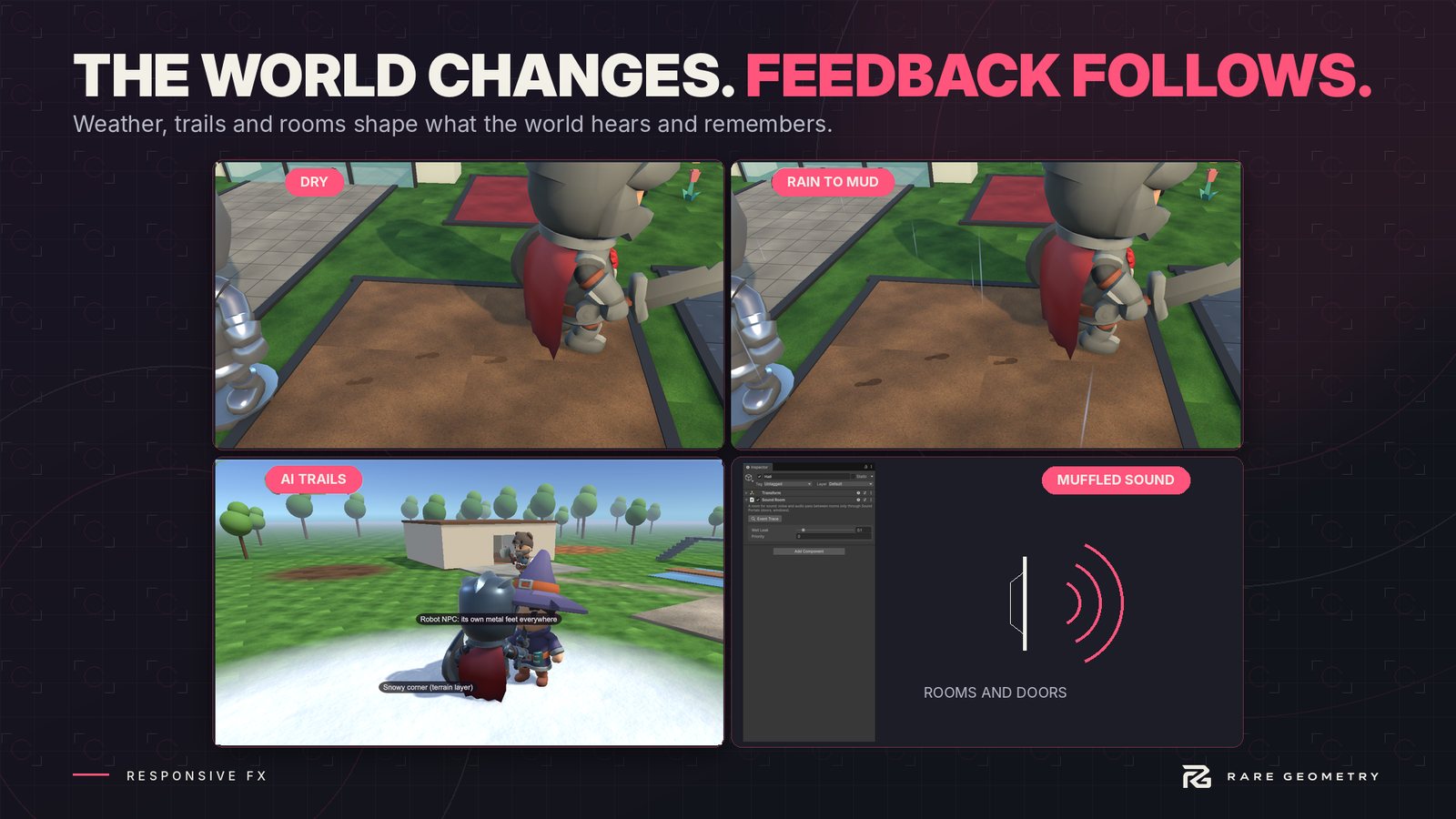
A Surface Zone changes the steps inside an area: shallow water, a puddle, a rug on a wooden floor, a snowy patch on a road. Create one with GameObject > Responsive FX > Surface Zone (a trigger box), or add the component to any object with a collider. The collider is the zone's shape; it can be a trigger.
| Setting | What it does |
|---|---|
| Surface | The surface inside. |
| Mode | Replace: only the zone plays (wading in a pond, a rug). Add: the ground plays and the zone plays on top (a puddle on stone splashes and still sounds like stone). |
| Priority | When zones overlap, the highest wins. |
| Added Volume | The zone's volume when it's added on top. |
Zones work with every controller: Responsive FX checks whether the foot is inside the shape, no trigger messages or rigidbodies needed. Use boxes, spheres, capsules or convex mesh colliders, and 2D colliders in 2D games. Make the zone reach a little below the ground so the foot is inside it.
The Scene Overview's Zones tab lists every zone and adds a shape to any that has none.