
Player feedback
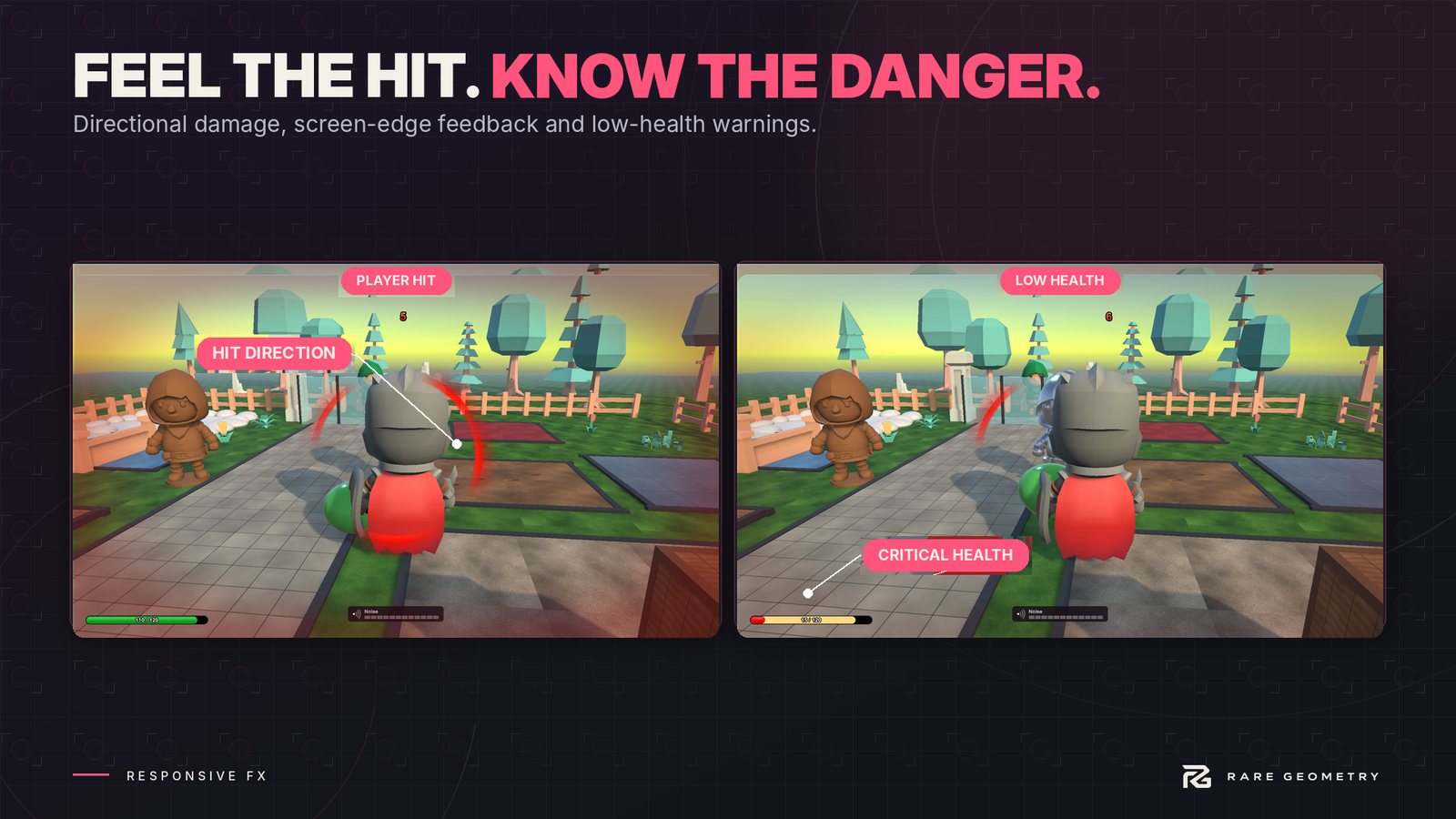
Add Player Hit Feedback to your player (next to its Hit Feedback or Health). It reacts to the player's hits by itself;
or call PlayerHit(hitInfo) from your own code.
| Part | What it does | Settings |
|---|---|---|
| Damage vignette | The screen edges flash a colour; bigger hits come closer to the full strength. | Colour, strength, time |
| Damage direction | An arrow around the screen centre points at where the hit came from (its Source, Direction or Point). | Colour, time, radius, size |
| Low health | The screen edges pulse while health is below a threshold (a steady glow with Reduce Motion). | Threshold, colour, rate, strength |
| Rumble | The gamepad rumbles: stronger on criticals, softer on blocks and damage over time. Needs the Input System package; without it, it does nothing. | Low and high motor strength, time |
Heals, misses and status words play nothing here. Turn rumble off for the whole game with HitFeedbackSettings.Rumble.
Use your own rumble (another input asset) by setting PlayerHitFeedback.RumbleHandler.