On the Asset Store
v2.0.0

Snapbuild
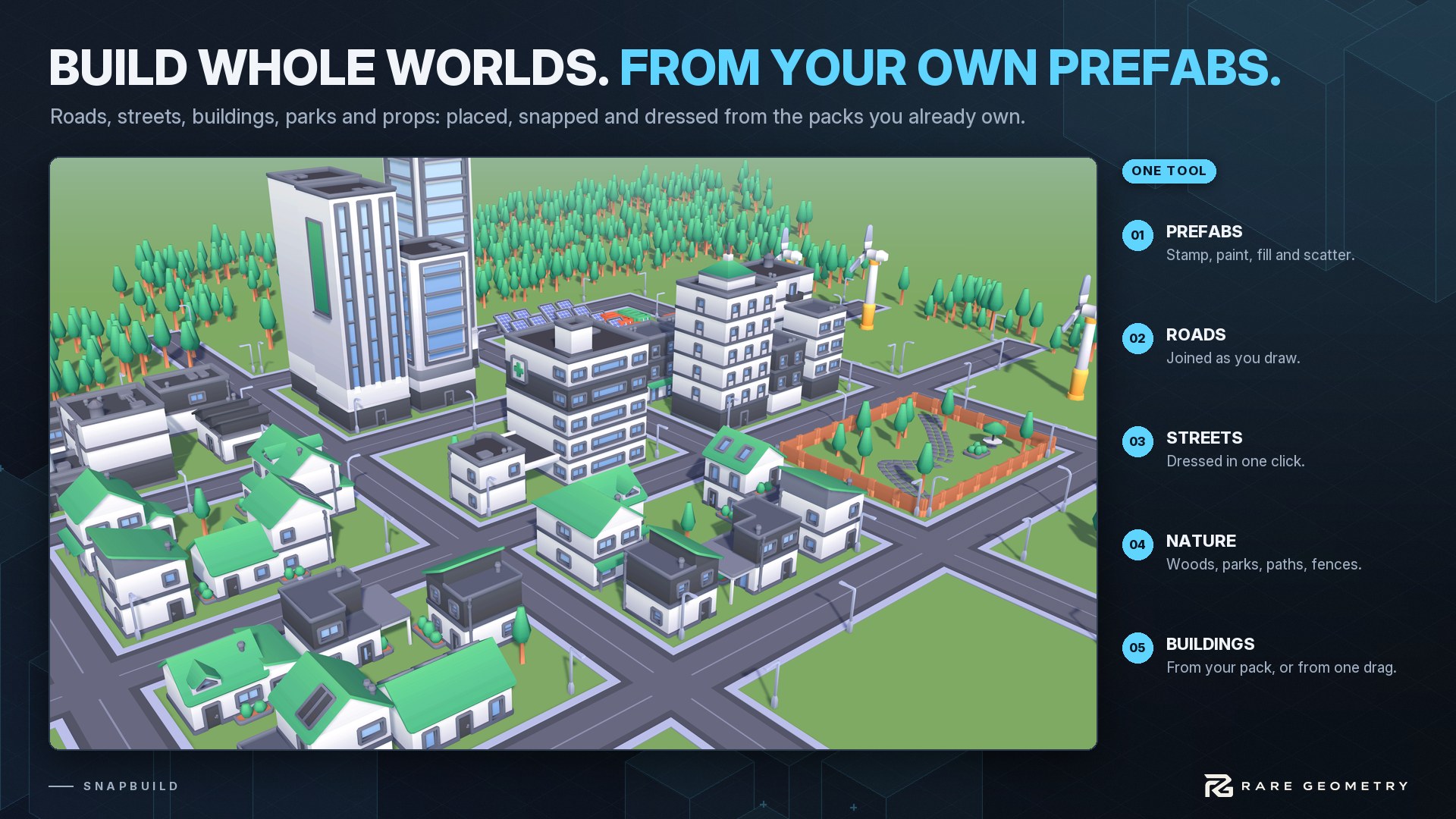
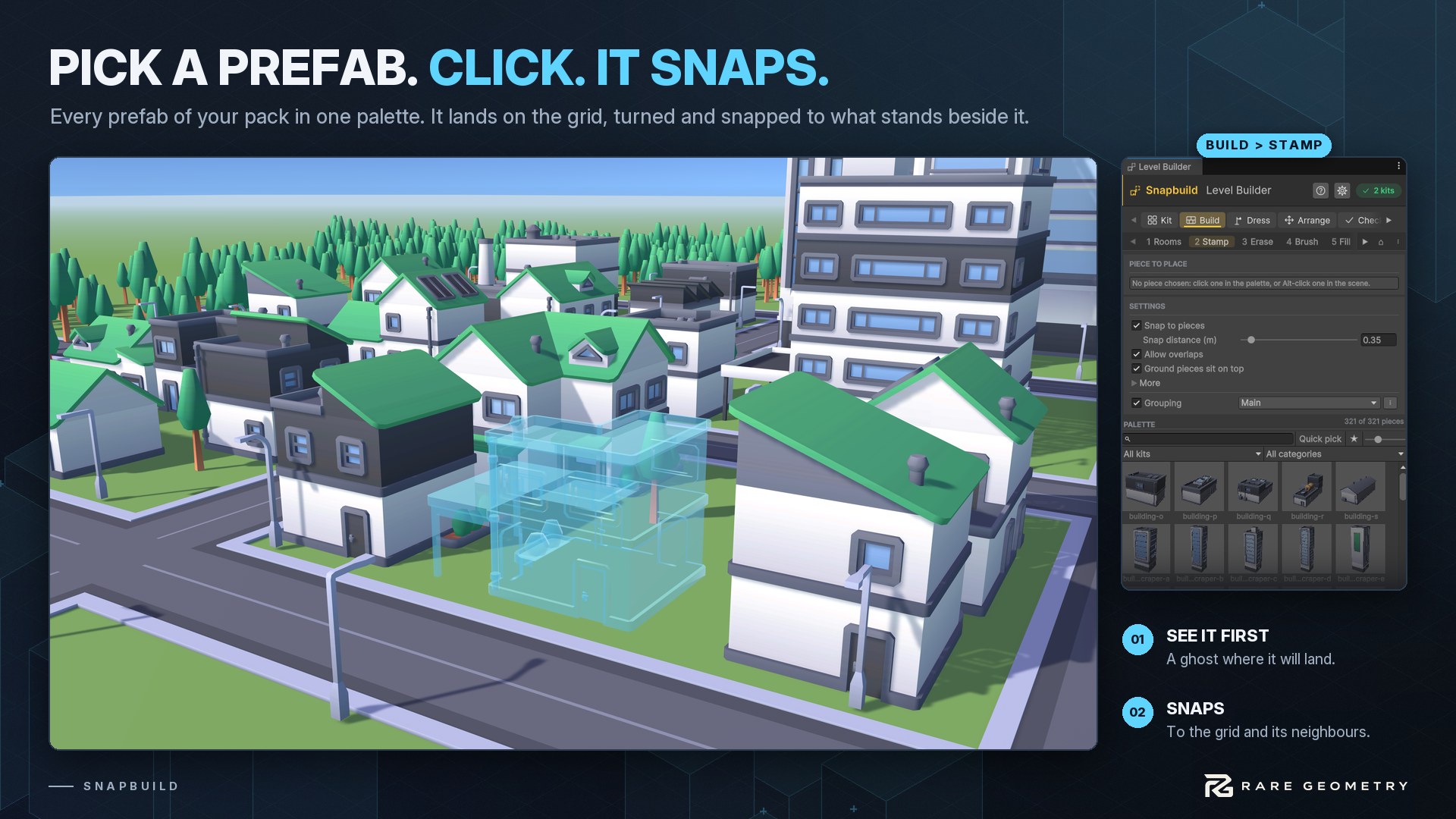
Build whole worlds from the prefabs you already own. Stamp and paint them on a grid that snaps, draw roads that join themselves, dress streets in one click and drag out whole buildings. A see-through ghost shows everything before it goes down, and your pack's own files are never changed.
- Unity 6000.0.85f1+
- Built-in, URP & HDRP
- No dependencies
- Full C# source
See it build
Drag. Let go. Watch it rise.
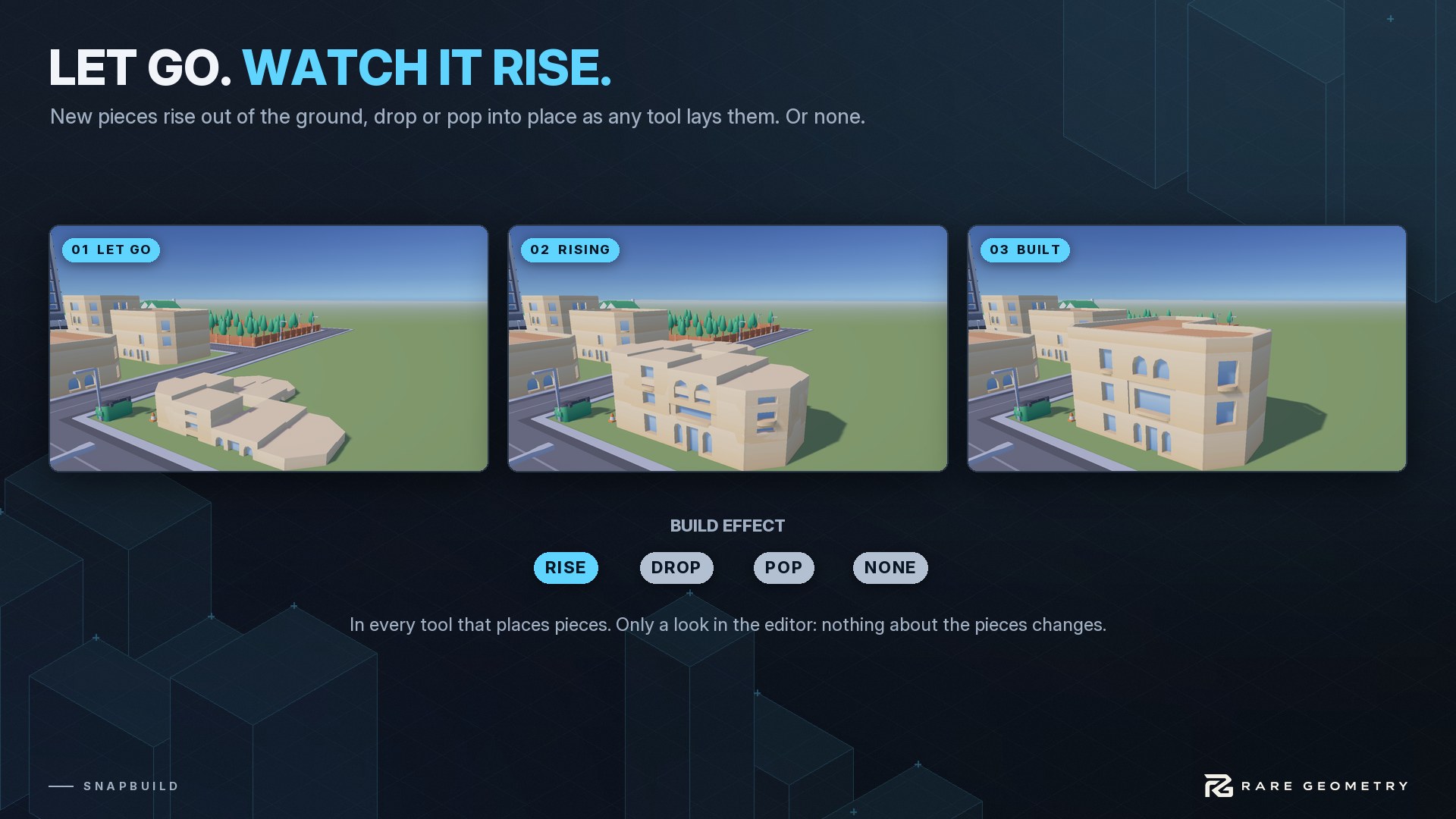
The ghost shows the whole building while you drag. Let go and every piece rises into place (or drops, or pops, or simply appears: your choice in every tool that places pieces).
How it works
From a prefab pack to a town in three steps
-
Add your pack
A folder in your project, a folder on disk or a
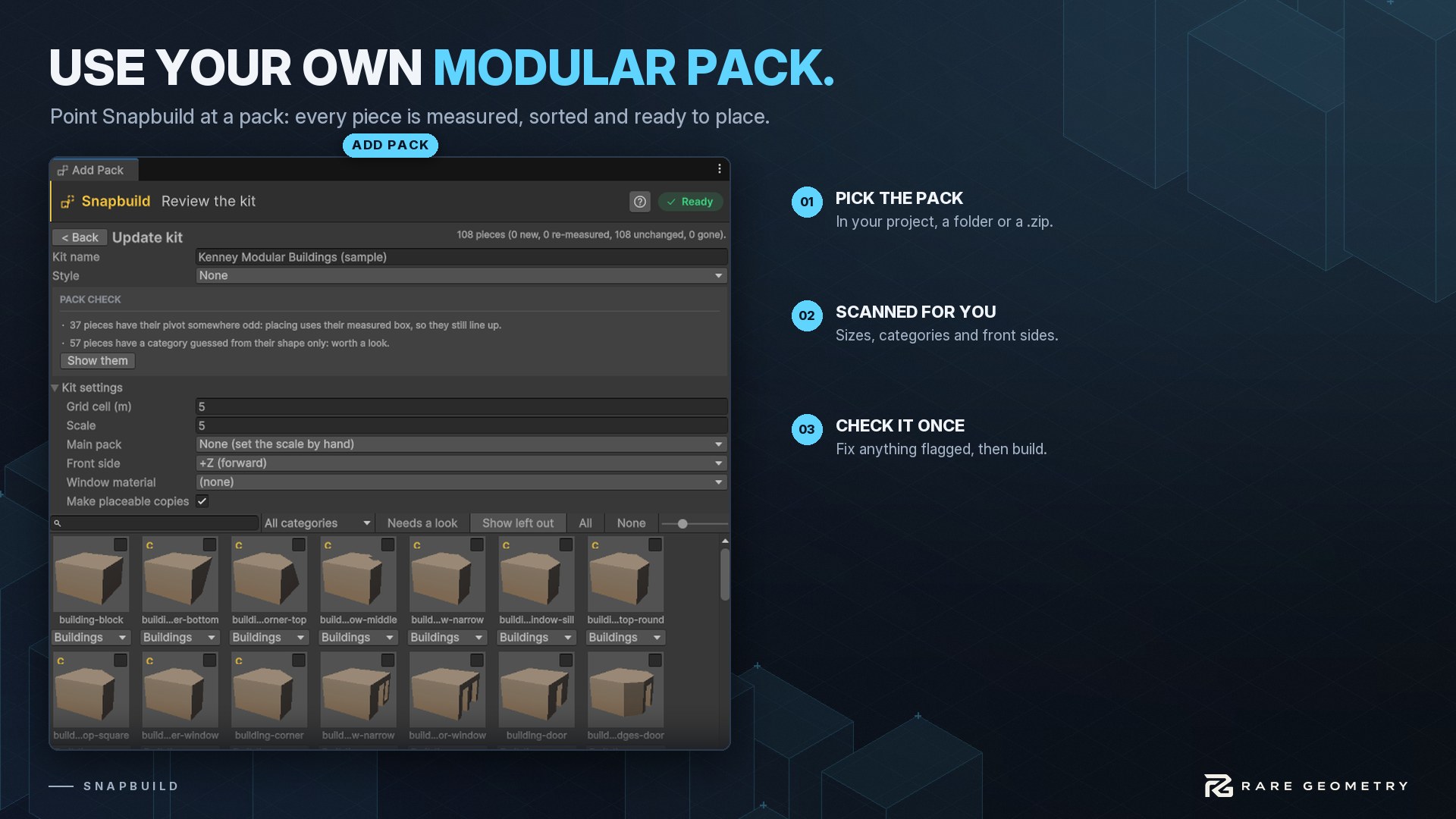
.zip. Every piece is measured and sorted for you, and Snapbuild guesses which pieces are walls, corners, floors and roofs. Check one review screen. -
Drag rooms and roads
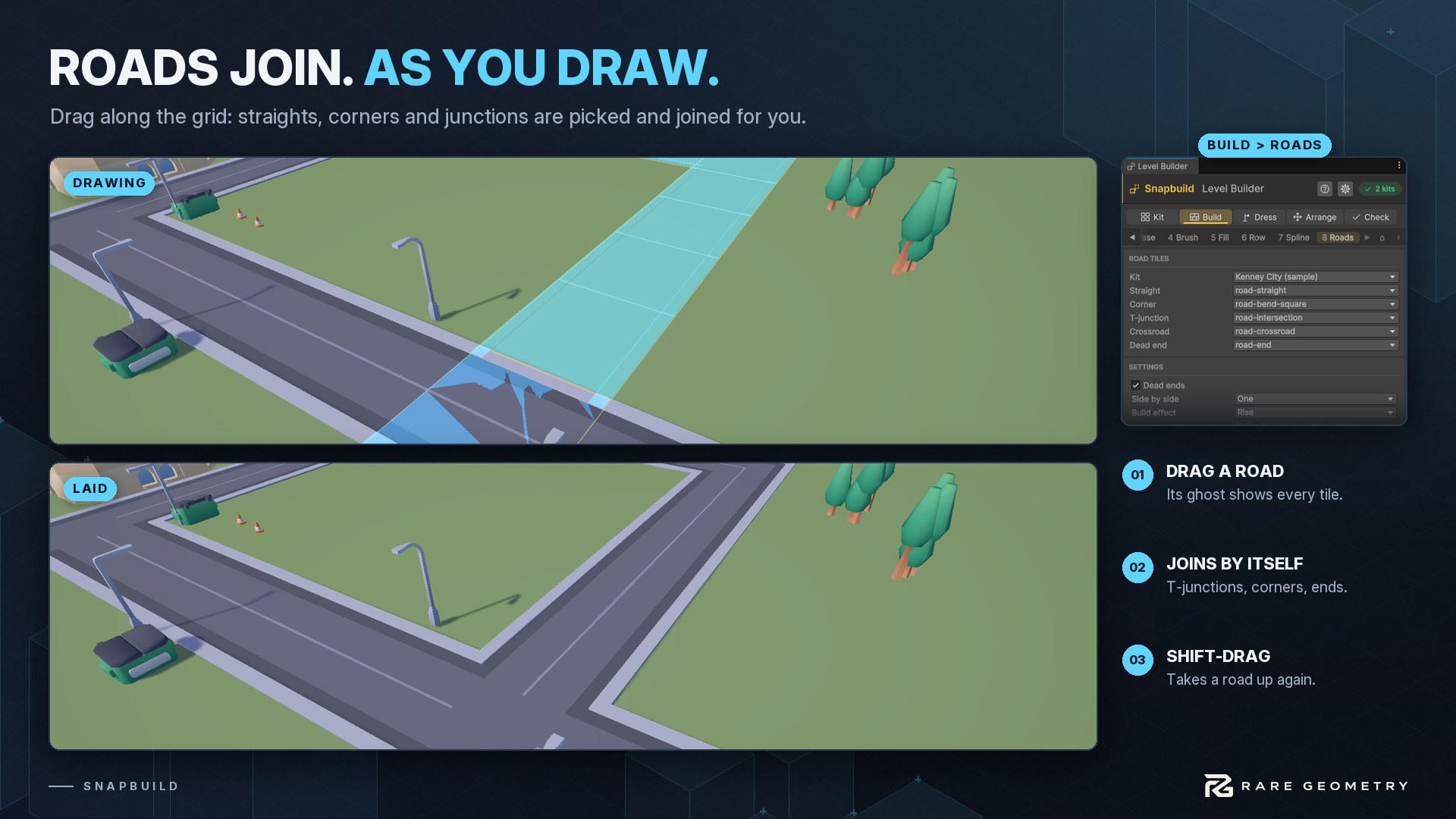
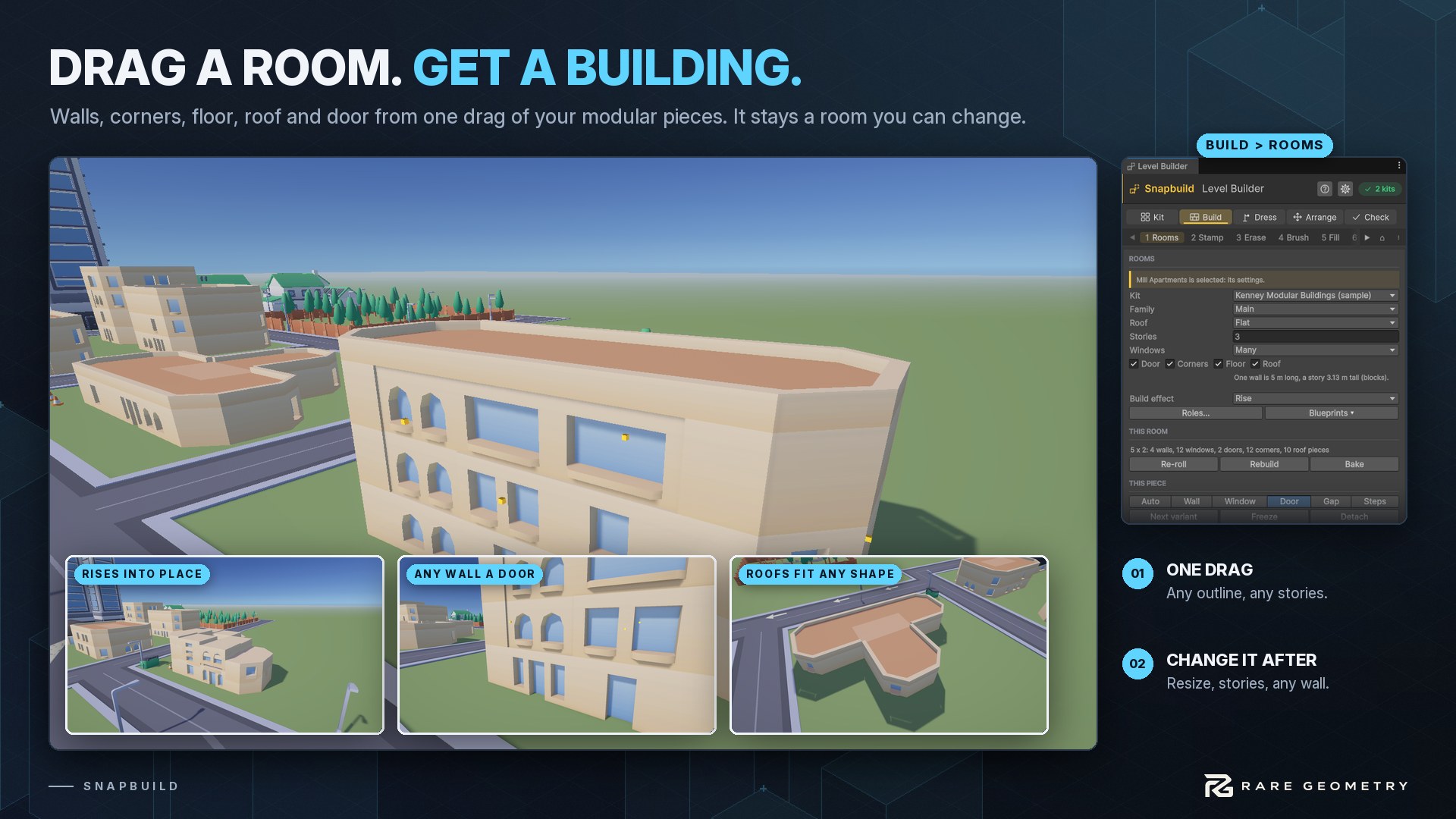
Build > Rooms: drag a rectangle or click any outline and a whole building goes down. Build > Roads: drag along the grid and the right tiles join up.
-
Dress and check
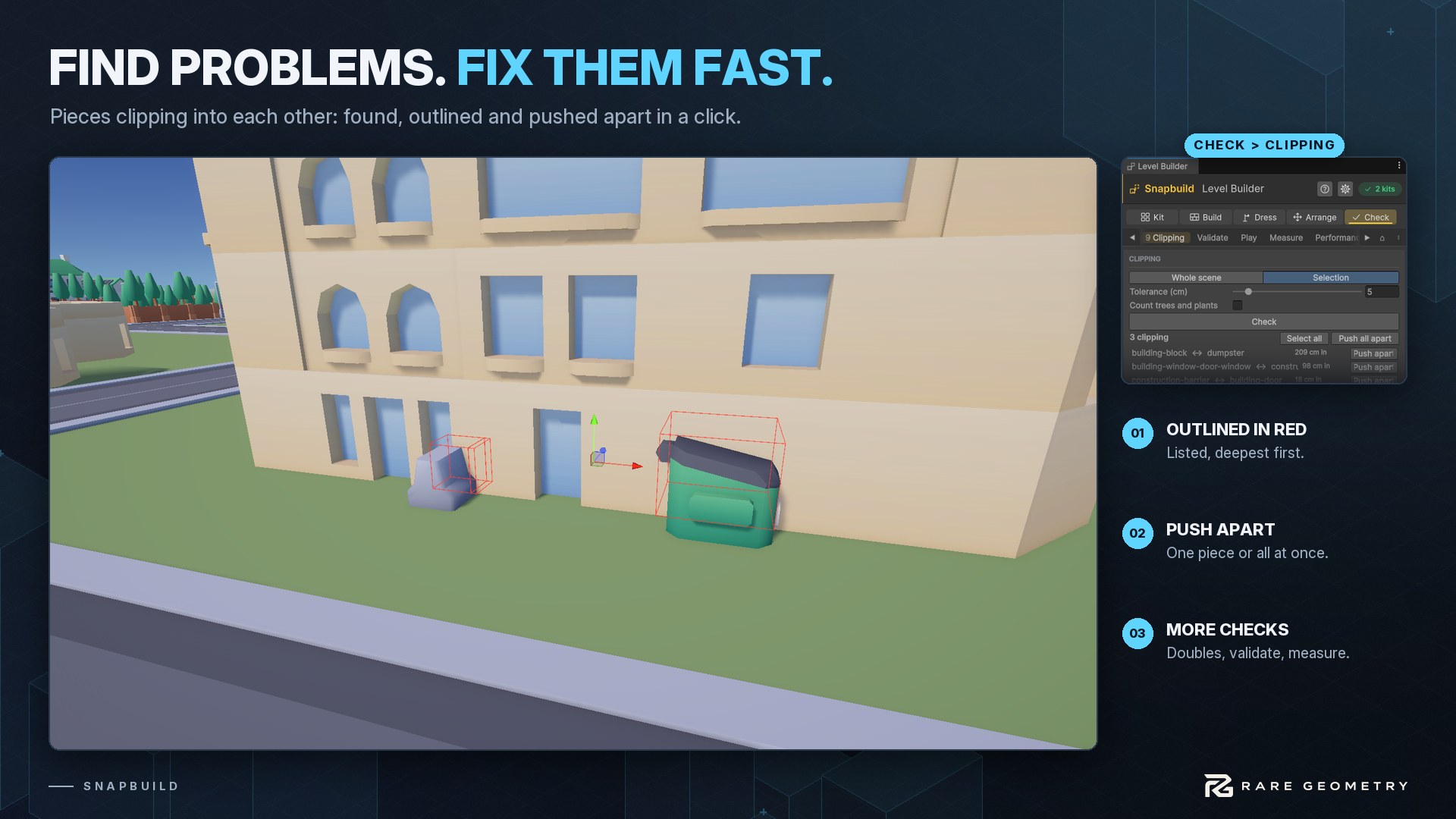
Dress the street with lights, signs and fences, Arrange props with physics, then let Check find anything clipping or floating.
Features
Five tabs, one window
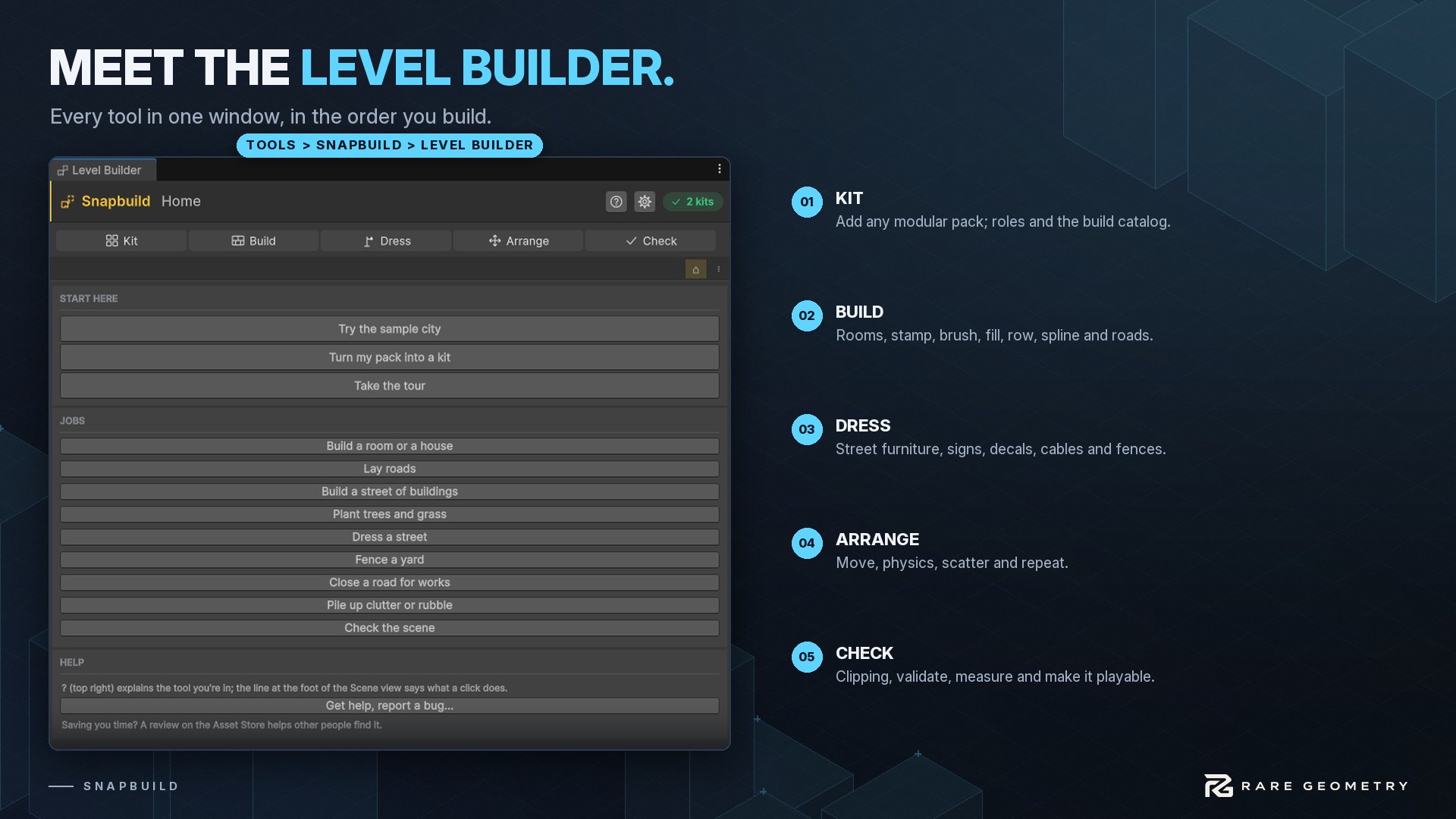
Everything lives in the Level Builder, in the order you build: Kit, Build, Dress, Arrange, Check. Every control has a tooltip, every action is one Undo, and every shortcut can be rebound.
Build
Rooms · Stamp · Roads · Brush · Fill · Row · Spline- Rooms: whole buildings from one drag: walls, corners, floors, roof, door and windows. Rooms stay rooms: resize them, add stories, make any wall a window, door, gap or steps, add stairs, save blueprints.
- Roads: straights, corners, T-junctions and crossroads picked and joined as you draw. Shift-drag takes a road up.
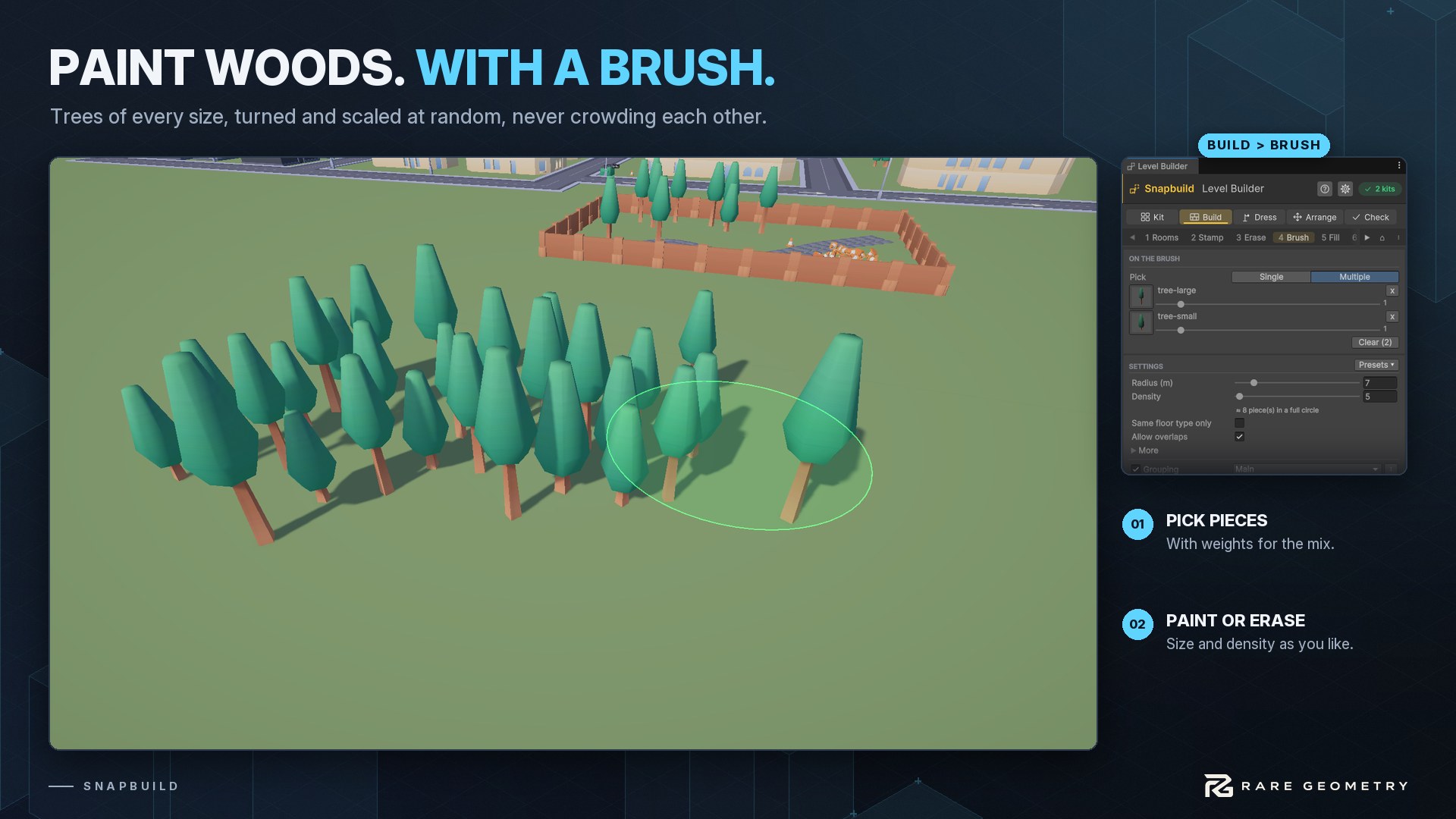
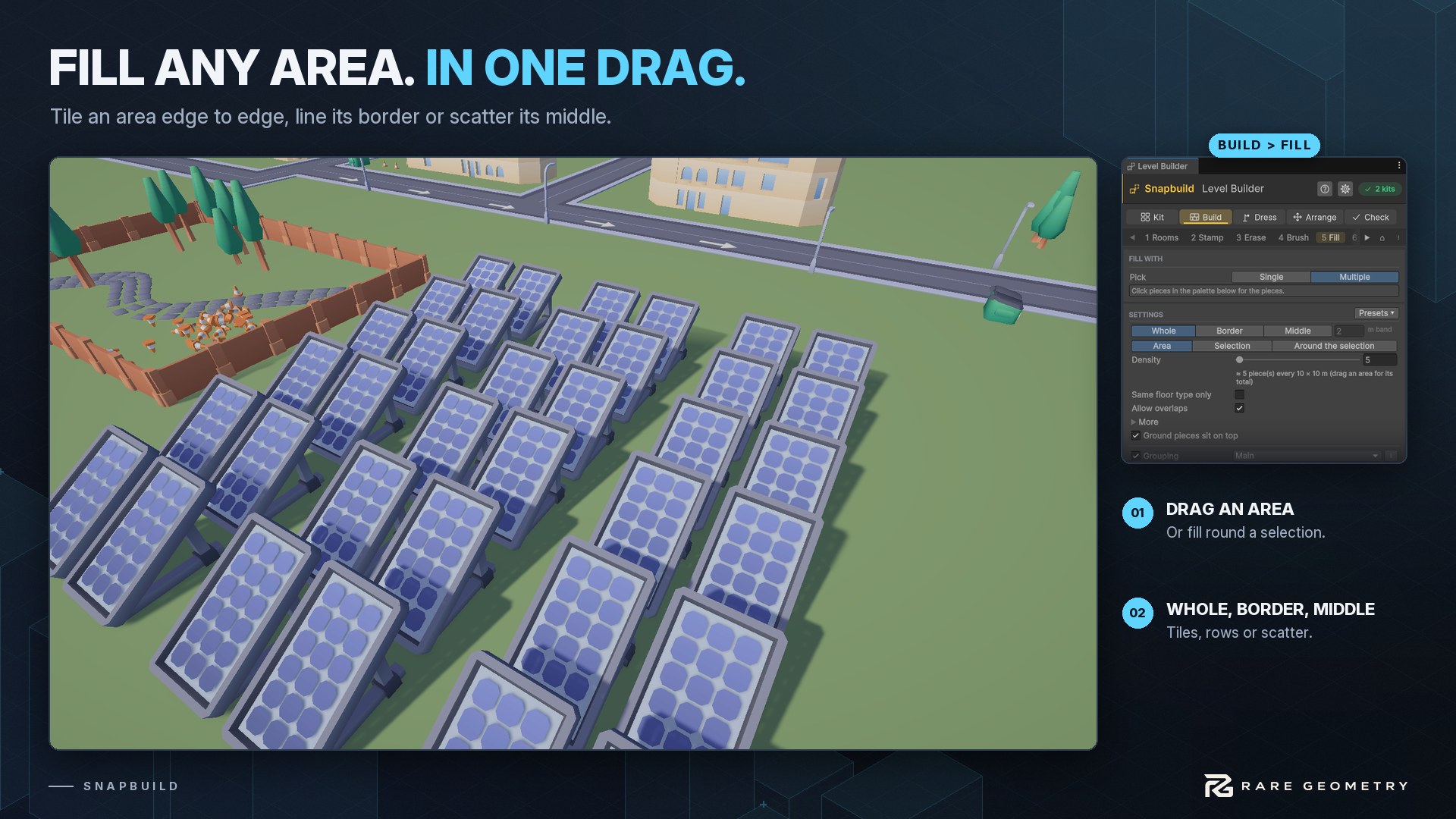
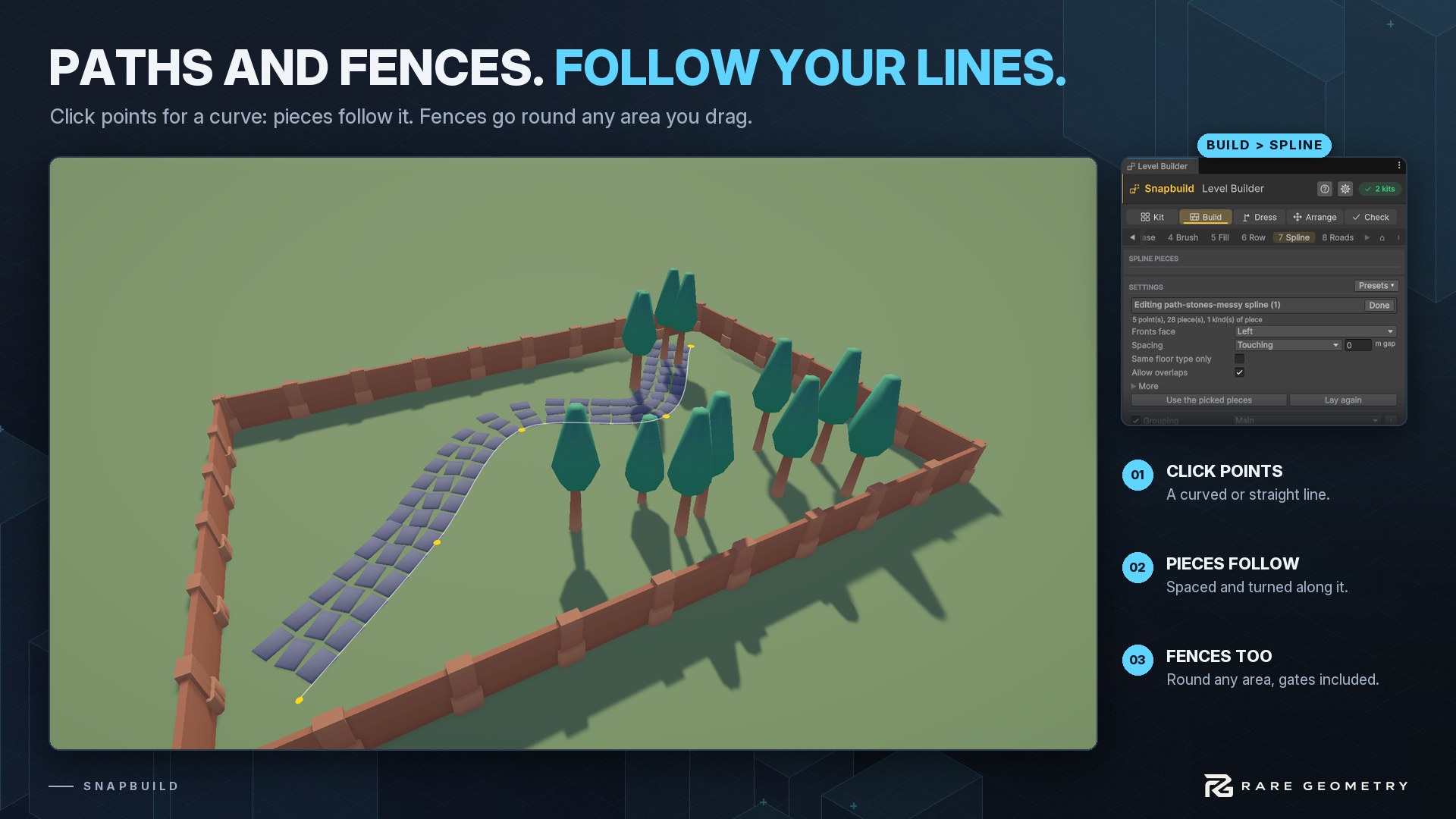
- Brush, Fill, Row and Spline: paint woods, tile an area, lay rows, paths and fences along your lines.
- Build effect: new pieces rise, drop or pop into place.
Kit
- Add any modular pack: prefabs, FBX, OBJ, .zip
- Roles: which piece is a wall, corner or roof
- Build Catalog for in-game build menus
Dress
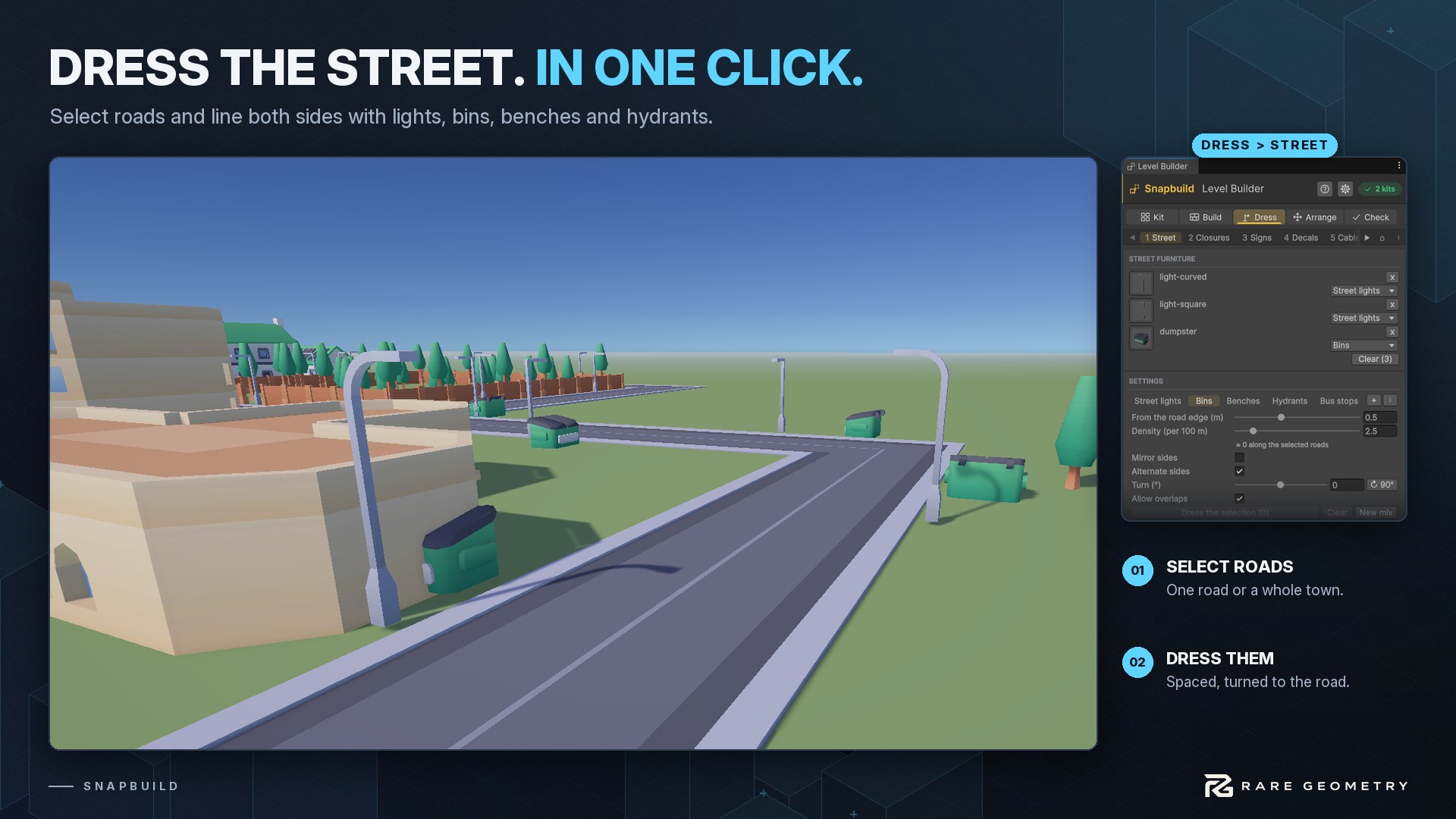
- Street furniture down both sides of a road
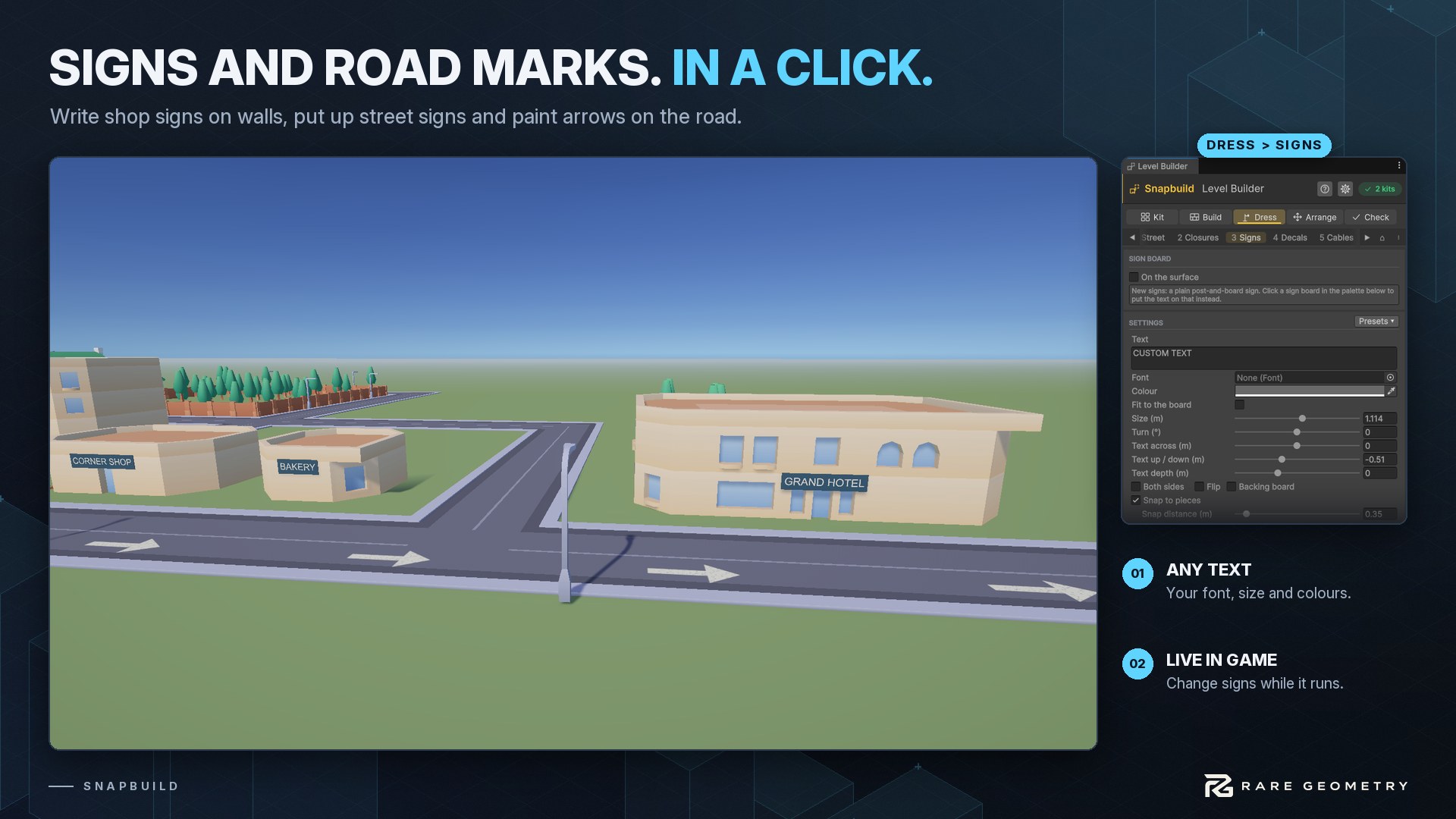
- Signs with your own text, road markings
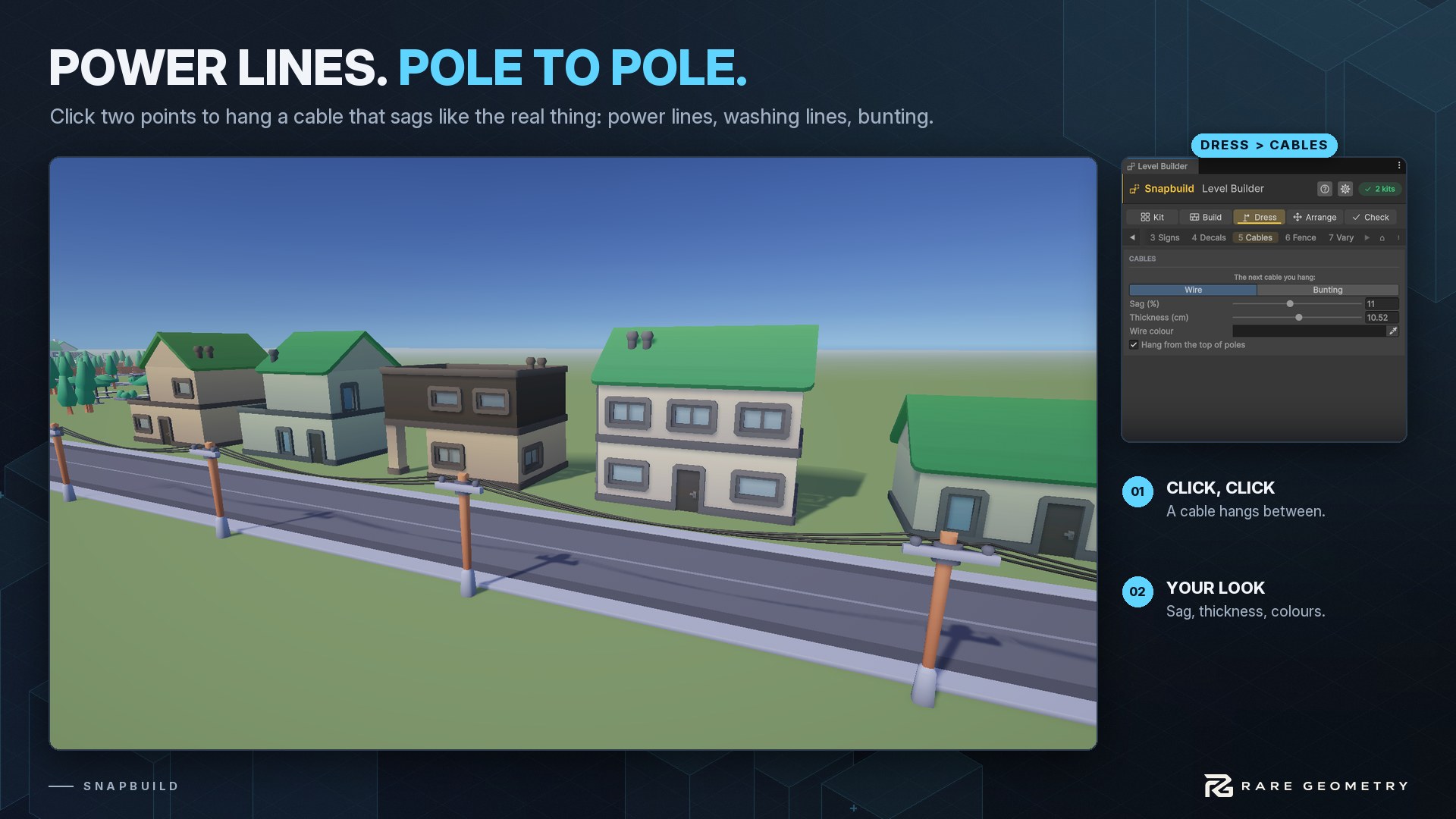
- Power lines and bunting that sag
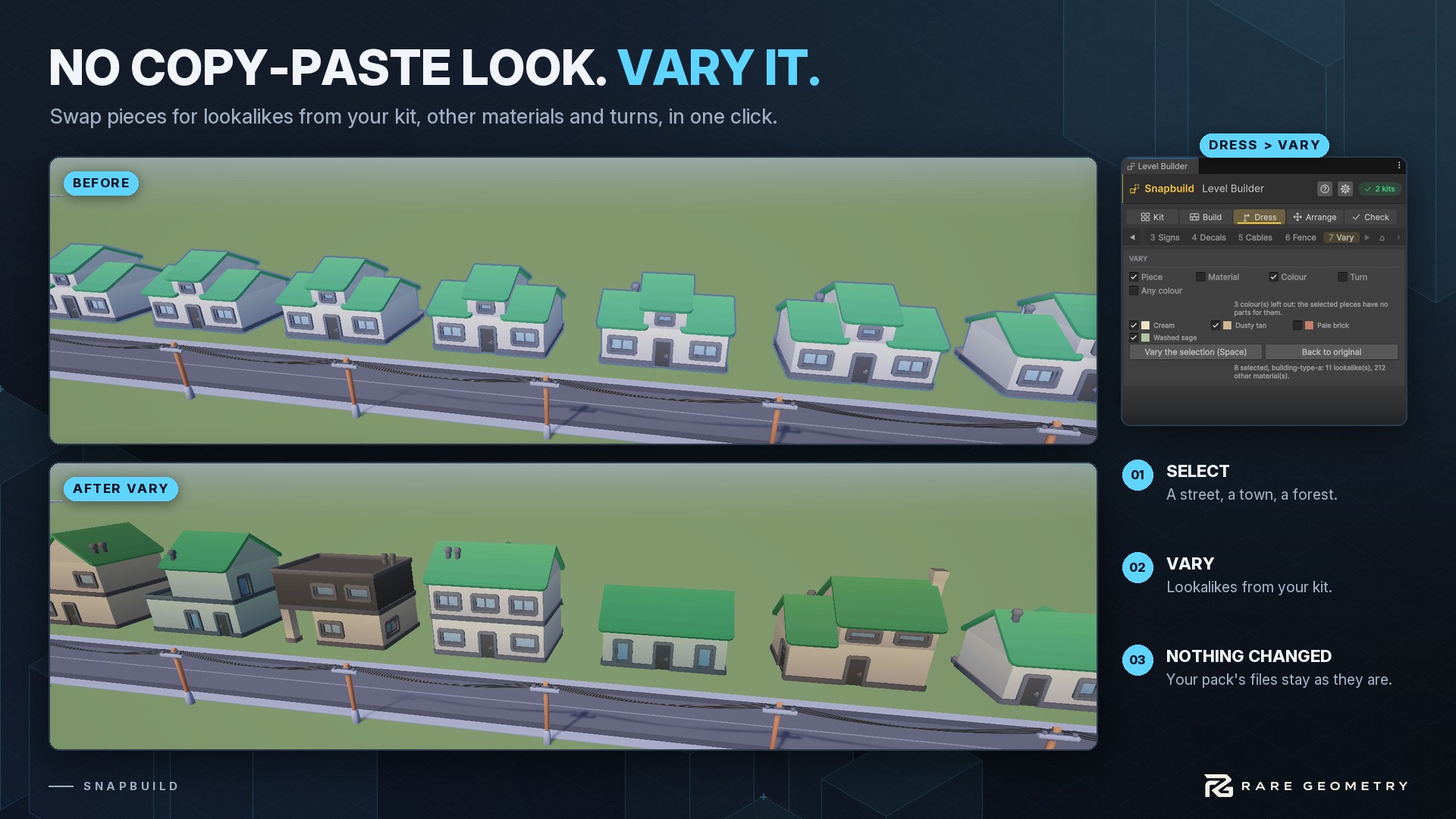
- Fences, road closures, Vary
Arrange
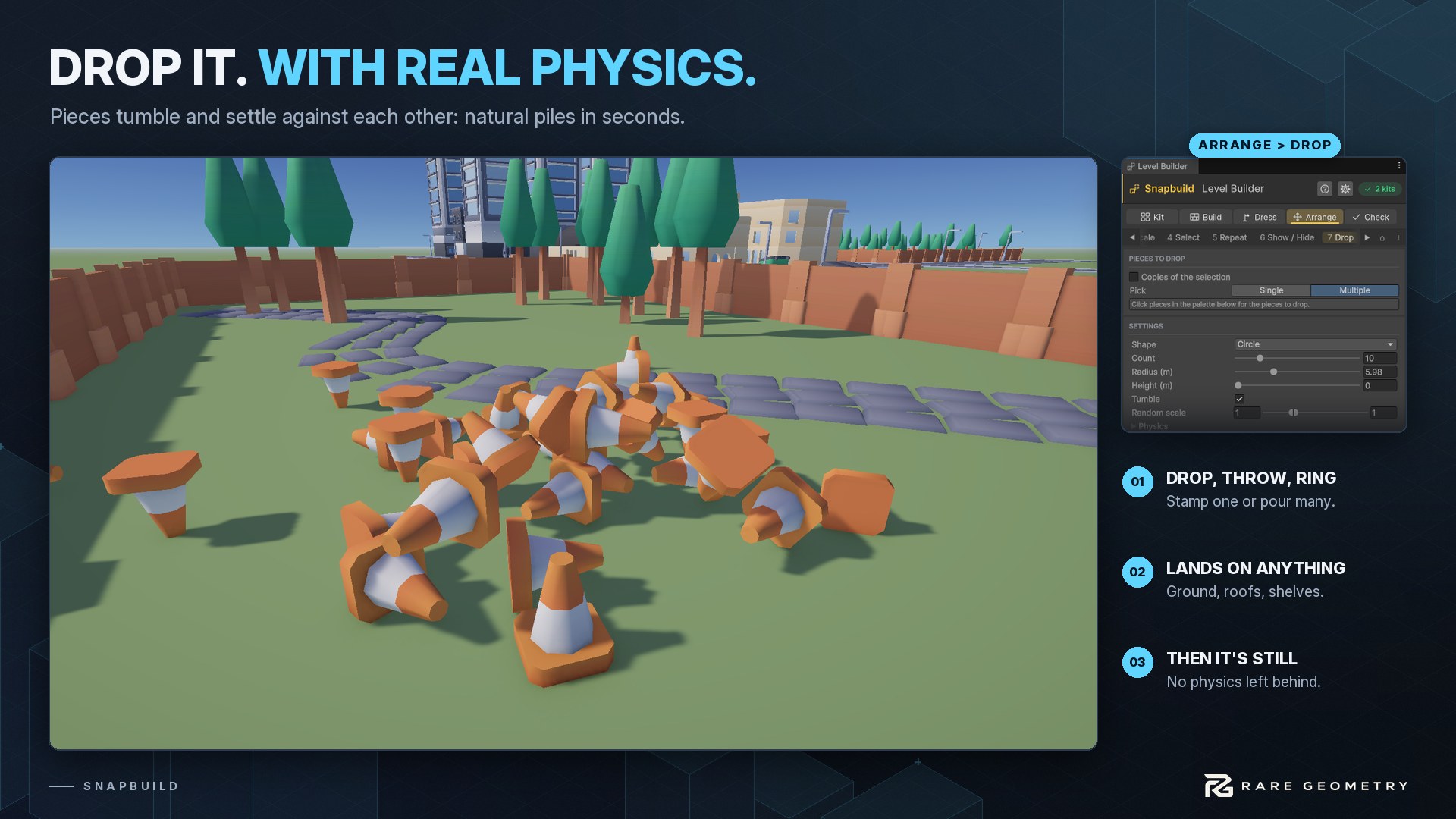
- Drop and throw with real physics
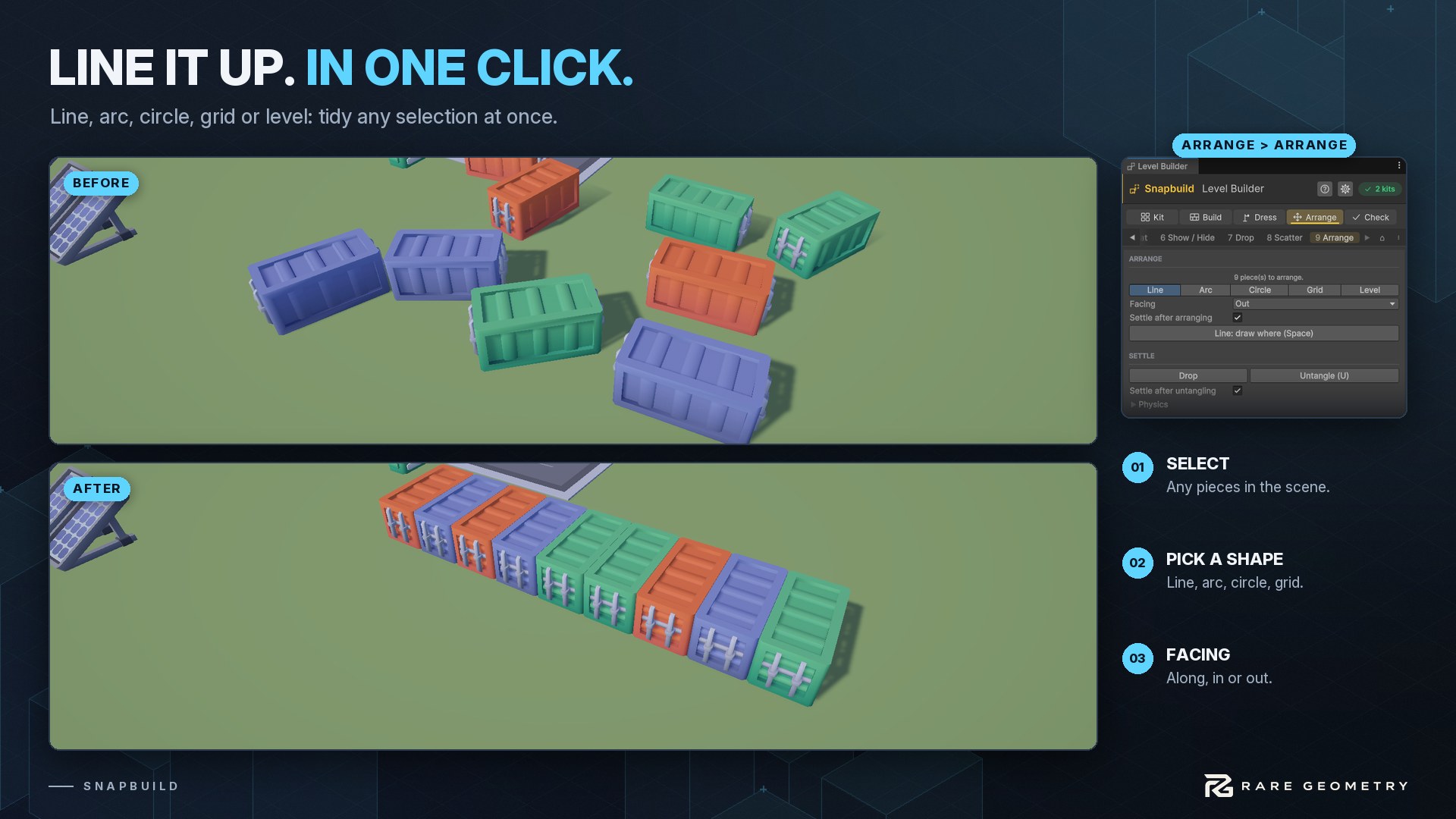
- Line, arc, circle and grid
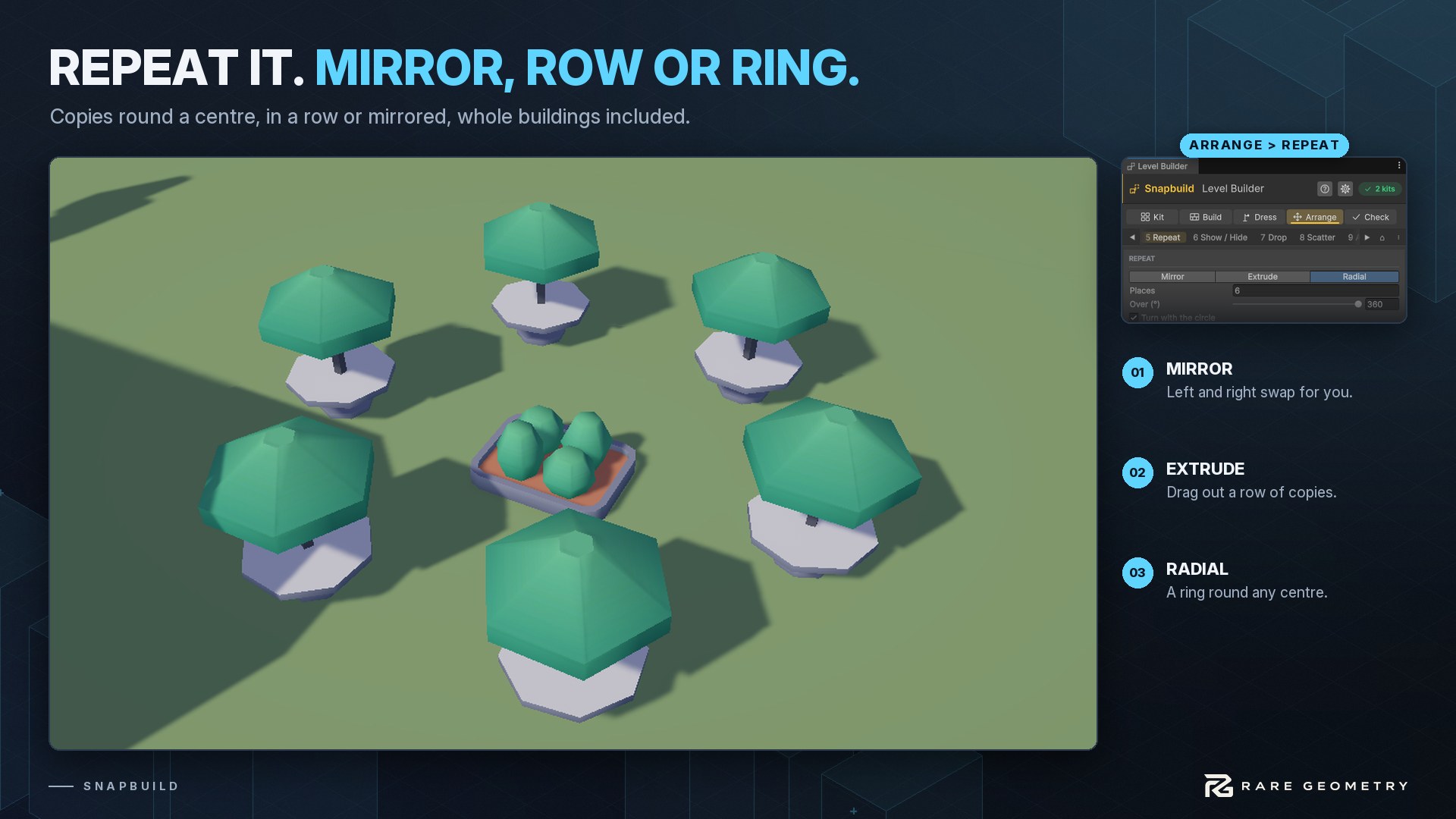
- Mirror, extrude and radial copies
- Move, rotate and scale with snapping
Check
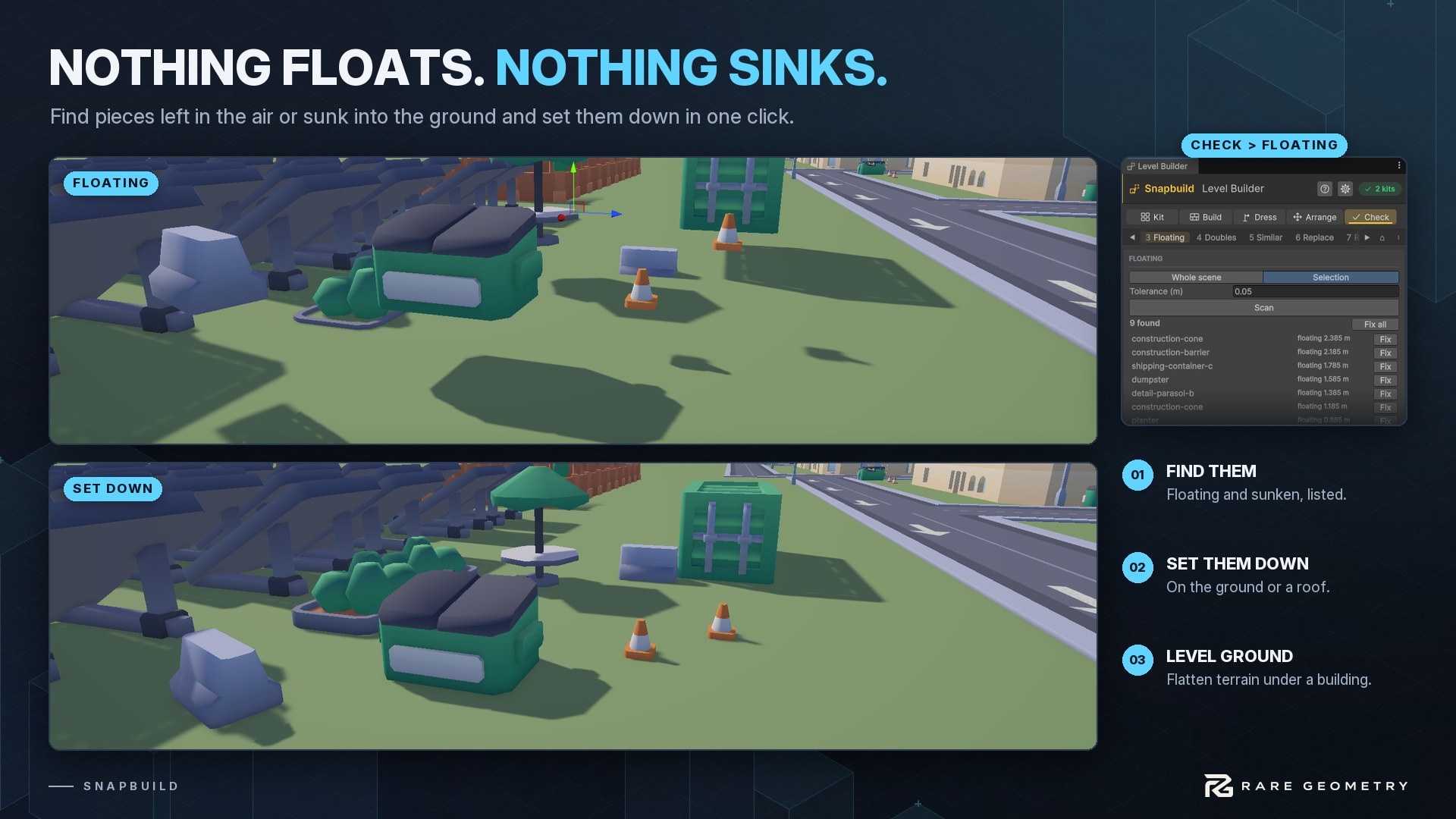
- Clipping, floating, sunken, doubles
- Validate against your rules, measure
- Level ground, combine meshes
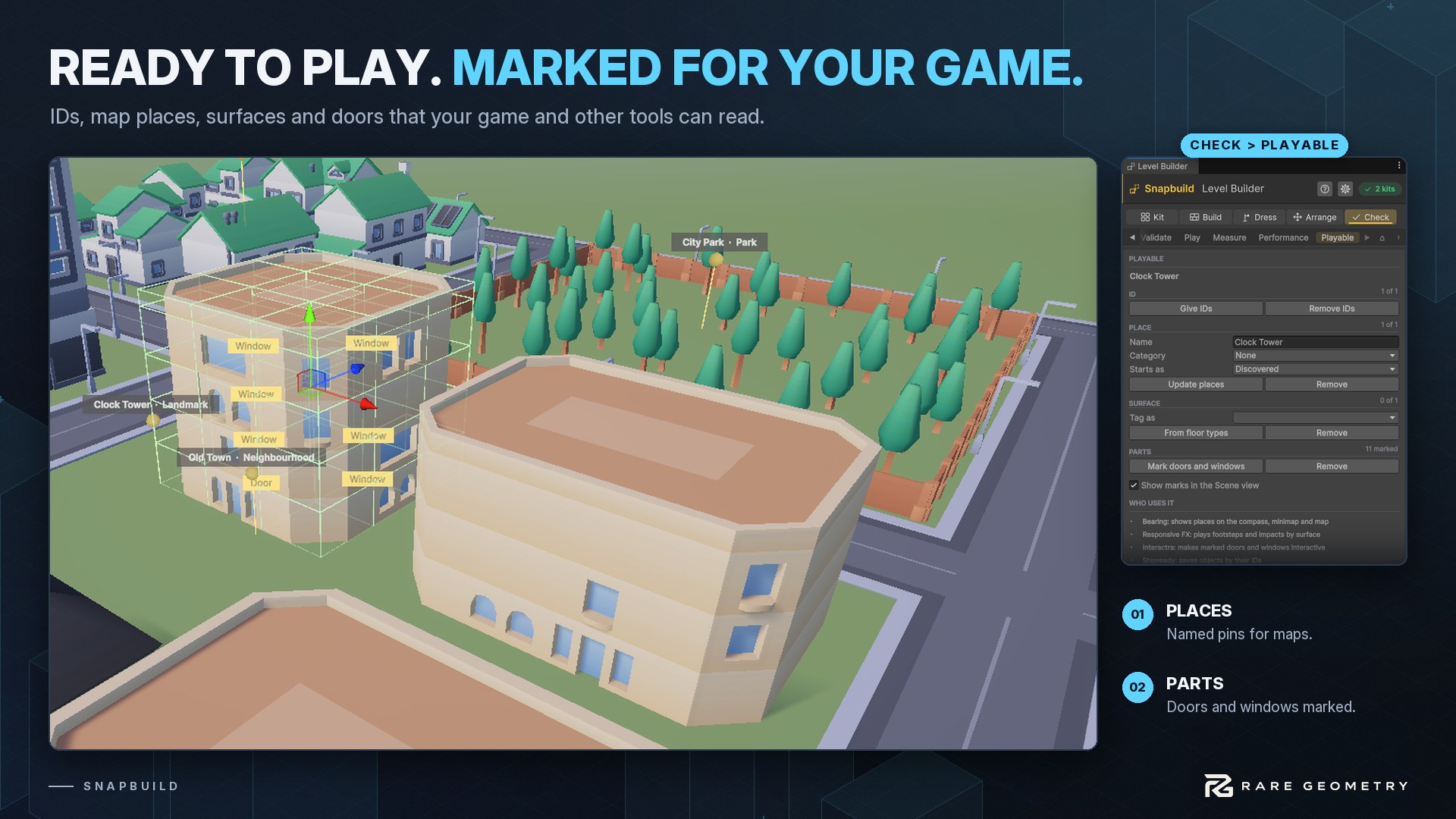
- Play from here; playable marks
Gallery
See it in the editor
Every picture is made in Unity with Snapbuild's own tools and the sample kits that come with it, from Kenney's free (CC0) City Kits and Modular Buildings. Click a picture to see it full size.

Compatibility
What it runs on, as tested
| Unity 6000.0.85f1 | Tested | The minimum version |
|---|---|---|
| Unity 6000.3 | Tested | The current Unity 6 release |
| Unity 6000.6 | Tested | The newest version tested |
| Built-in, URP, HDRP | Tested | The sample kits and demo scenes included |
| Domain Reload off | Tested | Faster Enter Play Mode works |
| Dependencies | None: Unity's built-in modules only |
|---|---|
| Source | Full C#, with its own assembly definitions |
| Undo | One step per action |
| Documentation | Offline in the package, and online here |
| Menu | Tools > Snapbuild |
Good to know
Updating from the Prefab Builder Kit 1.0
- Snapbuild is a free update on the same Asset Store page. Your kits, rule sets, palettes, presets, scenes and keys carry over.
- Your data lives outside the product folder, so updates never touch it.
- Still on 1.0? Its manual stays online: Prefab Builder Kit 1.0 documentation.
Limits, stated up front
- Rooms build on a grid with square corners: any L, T or courtyard outline works, curved walls don't.
- It's an editor tool: it adds nothing to your game at runtime beyond a few small helper components.
Build your next level in an afternoon
Get Snapbuild on the Unity Asset Store, then follow the quick start.
Support
Help with Snapbuild
Stuck, found a bug or have an idea? Pick whichever is easiest. Every message gets an answer.
Docs
Help and troubleshooting
Common problems and their fixes, and what to include when you ask.
CommunityDiscord
Ask questions, share what you build, hear about updates first.
BugsReport a bug
Open an issue on GitHub and follow it until it is fixed.
EmailEmail the developer
raregeometrysupport@gmail.com
More from Rare Geometry
Other tools, built to the same standard