
Accessibility
Built in, and meant for your game's options menu. Set the starting values in Project Settings > Responsive FX (saved in Assets/RareGeometryData/ResponsiveFX/Resources), and change them while playing through
HitFeedbackSettings:
| Setting | What it does |
|---|---|
ReduceMotion |
No camera shake, punch or zoom kick, no global hitstop or slow motion, no knockback or squash. Numbers fade in place without moving or shaking. The low-health pulse glows steadily. |
FlashSafety, MaxFlashesPerSecond |
An object flashes at full strength at most 3 times a second (common photosensitivity guidance); extra flashes are dimmed. Screen flashes closer than a third of a second apart are dimmed to a faint pulse. On by default. |
ColorBlindSafe |
Numbers use each kind's colour-blind safe colour (based on the Okabe-Ito palette). |
TextScale |
Numbers and bar text bigger or smaller (0.5 to 2.5). |
Juice |
A master slider for every effect. |
Volume, Rumble |
Hit sound volume; gamepad rumble on or off. |
Enabled |
Turns all hit feedback off. |
HitFeedbackSettings.ReduceMotion = optionsMenu.reduceMotion;
HitFeedbackSettings.TextScale = optionsMenu.textSize;
HitFeedbackSettings.NotifyChanged();
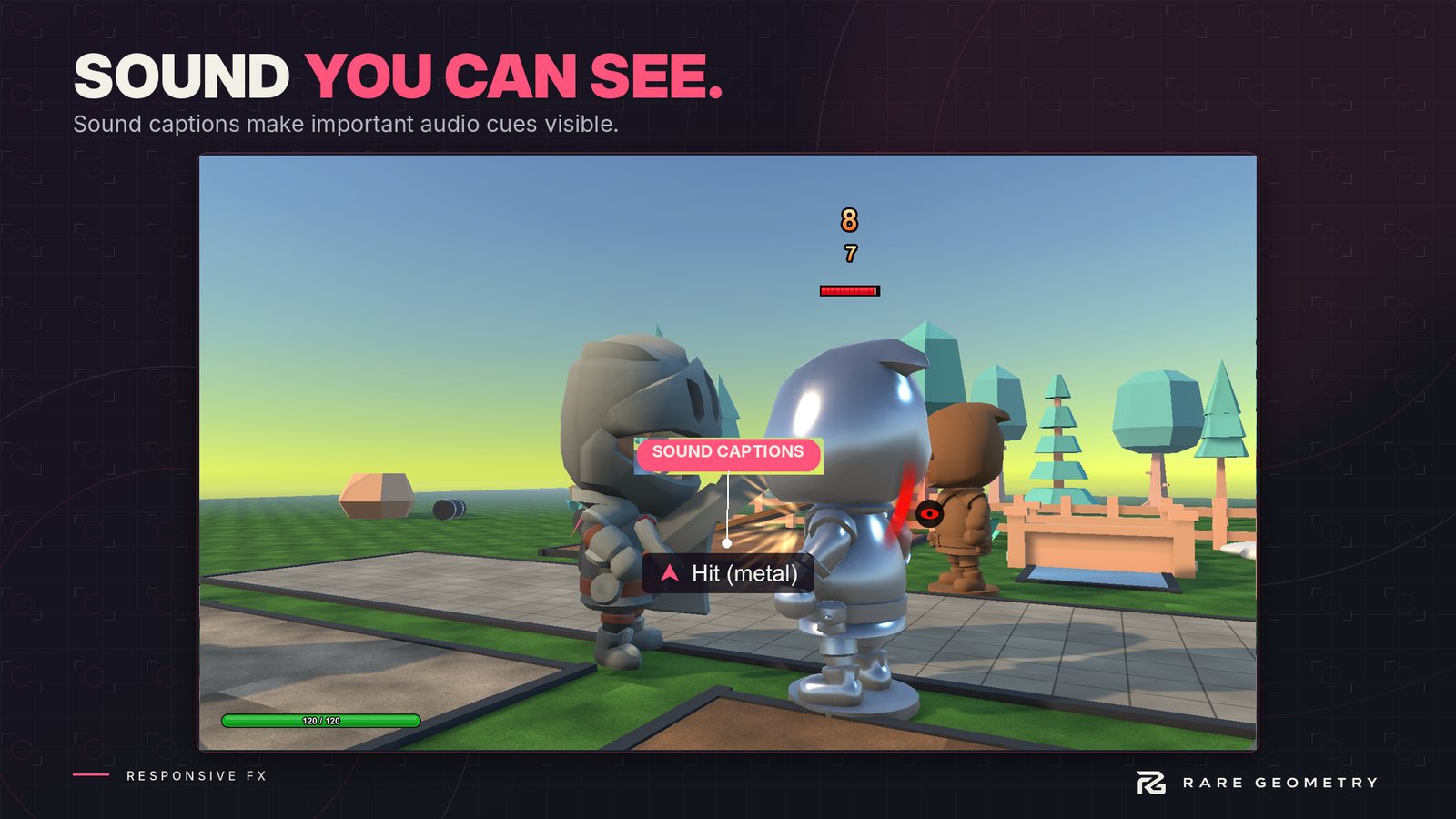
Numbers are never the only signal: each kind also has its own colour, size and sound, and words (Miss, Blocked) say what happened.