
Contacts
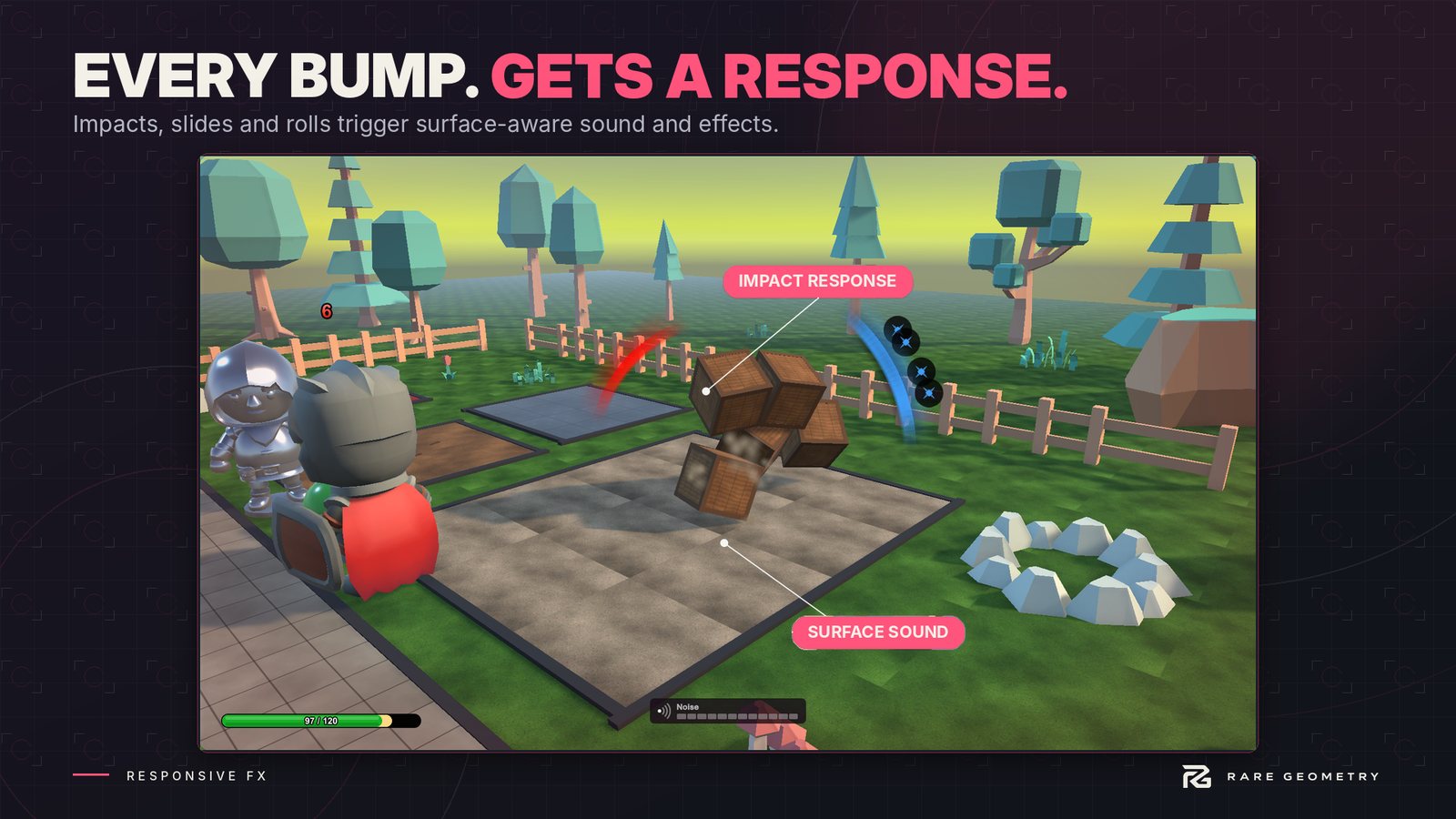
A contact is one thing touching another: a step, a hit, a bullet, a bump. Responsive FX turns every contact into the same small piece of data, finds the surface it landed on, and plays that surface's answer. You rarely need code.
With no code: Physics Contacts #
Add Physics Contacts to anything with a Rigidbody (3D or 2D).
- Bumps: every collision faster than Min Speed plays the touched surface's Collision row, as hard as the impact.
- Slide and roll: while it keeps touching and moving, the surface's Slide or Roll loop plays and follows the speed.
- Break: set Break At to an intensity; a bump that hard also plays the Break row and raises On Break, where you swap the model or spawn the pieces.
- Made of: what this object is (Wood, Metal, Glass), so pairings answer: a metal barrel on stone.
One line: bullets and rays #
if (Physics.Raycast(origin, direction, out var hit, range))
    Contacts.PlayHit(hit);                                   // a bullet: the Projectile row
Contacts.PlayHit(hit, ContactKind.Hit, intensity: 2f);       // a heavy melee blow at that point
PlayHit also takes a RaycastHit2D.
Anything else #
Contacts.Play(ContactKind.Interaction, door, point, normal, intensity: 1.5f, source: player);
Or fill in a ContactEvent yourself when you need every detail:
var contact = new ContactEvent(ContactKind.Hit, point, normal)
{
    Target = wall, Source = player, Intensity = 1.2f, SourceSurface = blade,
};
Contacts.Play(in contact);
Kinds: Step, Land, Jump, Hit, Projectile, Collision, Slide, Roll, Scrape, Interaction, Break, Custom (with a Tag).
Lasting contacts #
Something dragged or rolling is one contact that lasts. Send it with a phase: ContactPhase.Begin when it starts,
Update while it moves (with the current intensity), End when it stops. The loop fades in, follows the intensity
and fades out. End always stops the loop, even while responses are switched off. Physics Contacts does this for you.
What comes back #
Every call returns a ContactRecord: the surface found and the rule that found it, the row that answered, and for
each part (sound, effect, mark, noise) whether it played or why not. Contacts.Played raises the same record for
every contact, steps included.
Limits #
A firefight should stay readable. The settings (Impact Lab, the gear) hold back sounds and effects past a budget per burst, combine near-identical contacts that land together, and give each object a short cooldown per row. Kills, parries, criticals and breaks are never held back. Nothing is silently dropped: the Event Trace names the limit.
Hits and steps are contacts too #
A hit on a Hit Feedback with a Body Surface also plays that surface's Hit row, so armour rings and flesh thuds.
Pass the weapon's surface for pairings: new HitInfo(20f).With(blade). A footstep plays the surface's step sounds and
is recorded in the same trace.
From other products #
Other Rare Geometry products can send a contact with no reference to Responsive FX, through the shared Core
(SurfaceResponses.Play). When Responsive FX is installed it answers; when it is not, nothing happens.