
2D games
Set Dimension on Surface Footsteps (the Setup Wizard picks it from a Rigidbody 2D).
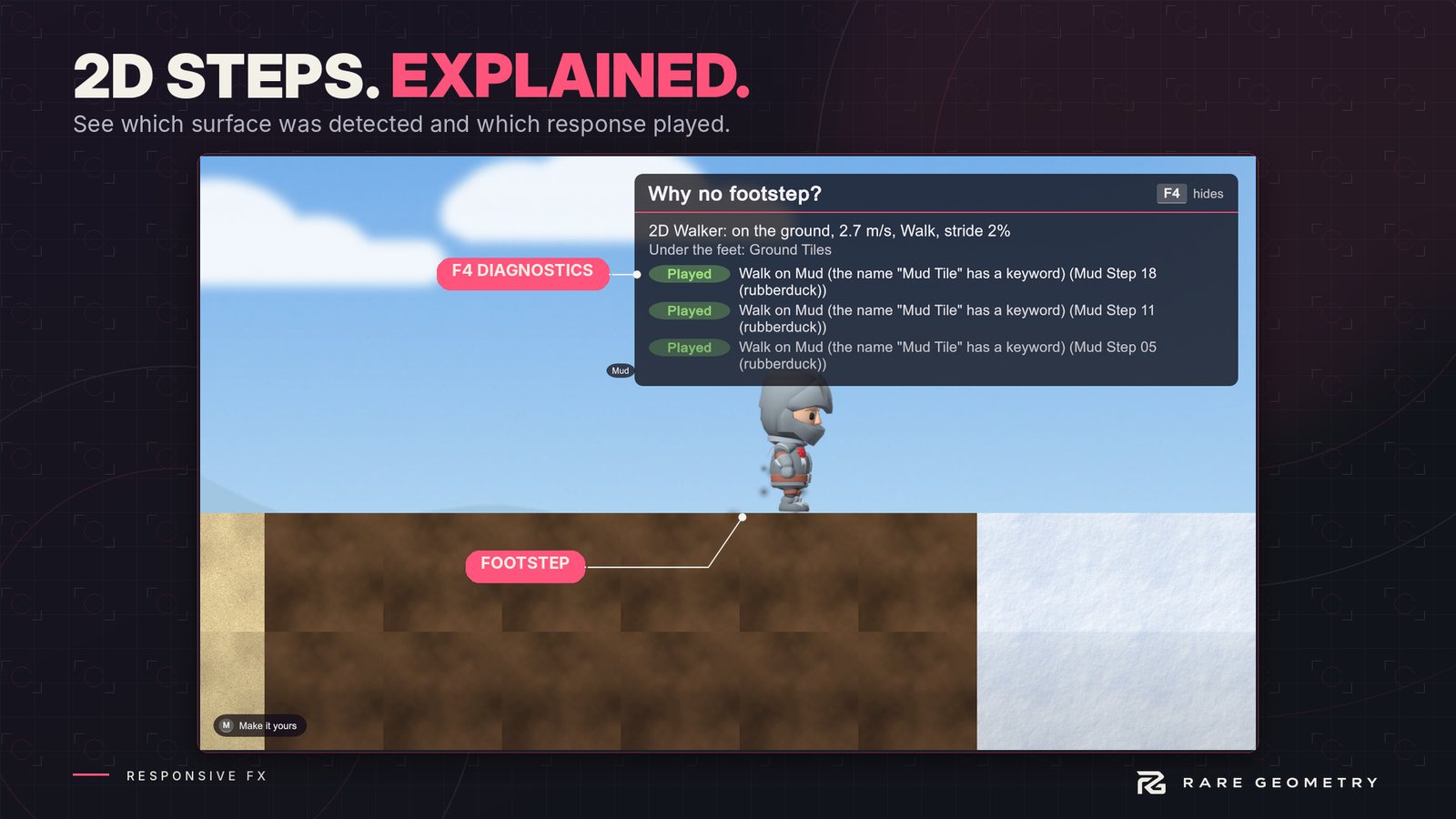
2D Side View (platformers) #
The ground check is a 2D ray down from the feet. Tilemaps with a Tilemap Collider 2D play each tile's surface: map tiles (or their sprites) to surfaces in the wizard or Scene Overview, or name them with a keyword ("GrassTop"). Other 2D colliders work like 3D ones: Surface Tags, physics materials, sprite materials and names. Zones use 2D colliders. Footprints are off in side view (there's no floor to print on).
2D Top-Down #
The floor is whatever is under the character's position: 2D colliders there (triggers too, for floor areas), then the Floor Tilemaps you list (top layer last), then the default surface. Footprints lie flat facing the camera and point the way the character moves.
Sound #
2D games usually want flat sound: set Spatial to Flat on the player, or Spatial Blend 0 in the profile.
The 2D Side View demo walks across grass, wood, stone, metal, snow, carpet and gravel tiles into a pool.