
Health and health bars
Where health comes from #
Bars show the health of the first of these the object has:
- Your own health script with
IHealthSource(four properties: CurrentHealth, MaxHealth, CurrentShield, MaxShield). Drag it into Hit Feedback > Health source, or just put it on the same object. - Responsive FX's Health component (optional, basic).
- Values you set with
hitFeedback.SetHealth(current, max, shield, maxShield).
The Health component #
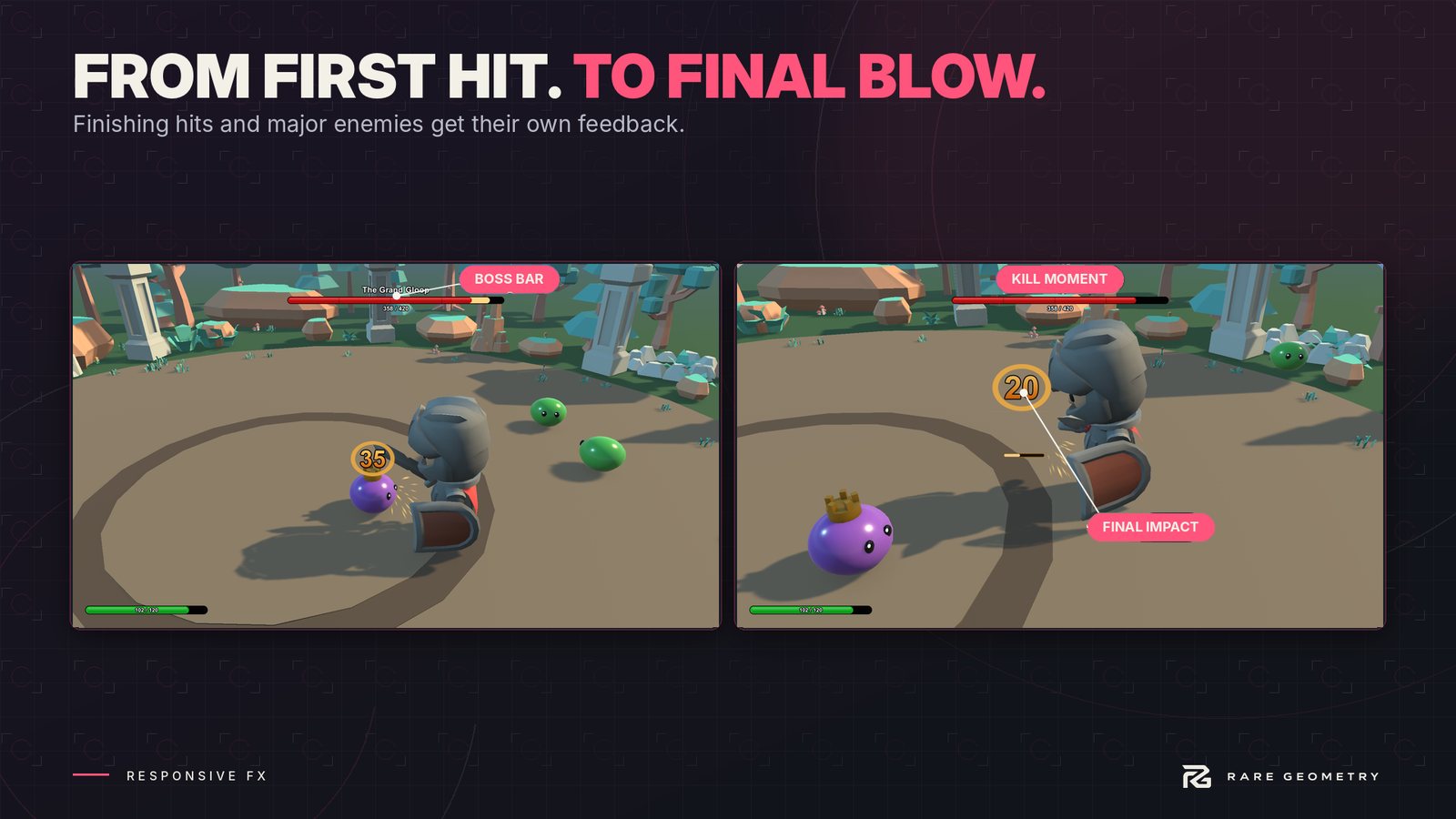
Max health, start health, an optional shield that takes damage first, an invulnerable time after each hit, and events (On Damaged, On Healed, On Died). Every change plays feedback on the object's Hit Feedback: a damage number, a "Shield" hit when the shield takes it all, a green heal, and the kill moment when health reaches zero.
health.Damage(25);
health.Damage(new HitInfo(40, HitKind.Critical).At(point).By(attacker));
health.Heal(10);
health.AddShield(20);
health.Kill();
health.Revive();            // full health again; a kill pop is undone
Floating bar (Profile > Floating health bar) #
| Setting | What it does |
|---|---|
| Visibility | On Hit (then fades), Always, While Damaged, Never. |
| Show time, Fade time | How long it stays after a hit and how it fades. |
| Width, Height, Offset | Pixels at 1080p, and metres above the target. Numbers start above the bar, so they never overlap it. |
| Fill, Low, Drain, Back, Shield, Border colours | The look. Below Low Health the fill turns the low colour. |
| Drain delay, Drain speed | The lost part waits, then drains away. |
| Segment size | A tick every this much health. |
| Rounded | Round ends. |
Per object: Overrides > Health Bar (off for a boss that has a boss bar). For one character's own bar style (width, height, colours, how high above its head, segments, when it shows), tick Override Health Bar under Overrides and set Health Bar Style: the rest of your enemies keep the profile's bar.
Boss bar and player HUD bar: Screen Health Bar #
Add Screen Health Bar to the boss or the player:
- Boss: wide, at the top centre, with a name. Turns on with the boss.
- Player HUD: compact, bottom left, with "350 / 500" inside.
- Custom: your own anchor (0,0 bottom left to 1,1 top right), offset and size.
It has its own bar settings (colours, delayed drain, segments, shield), shows the numbers, can hide while full, and hides when the target is defeated.