
Shipready Settings
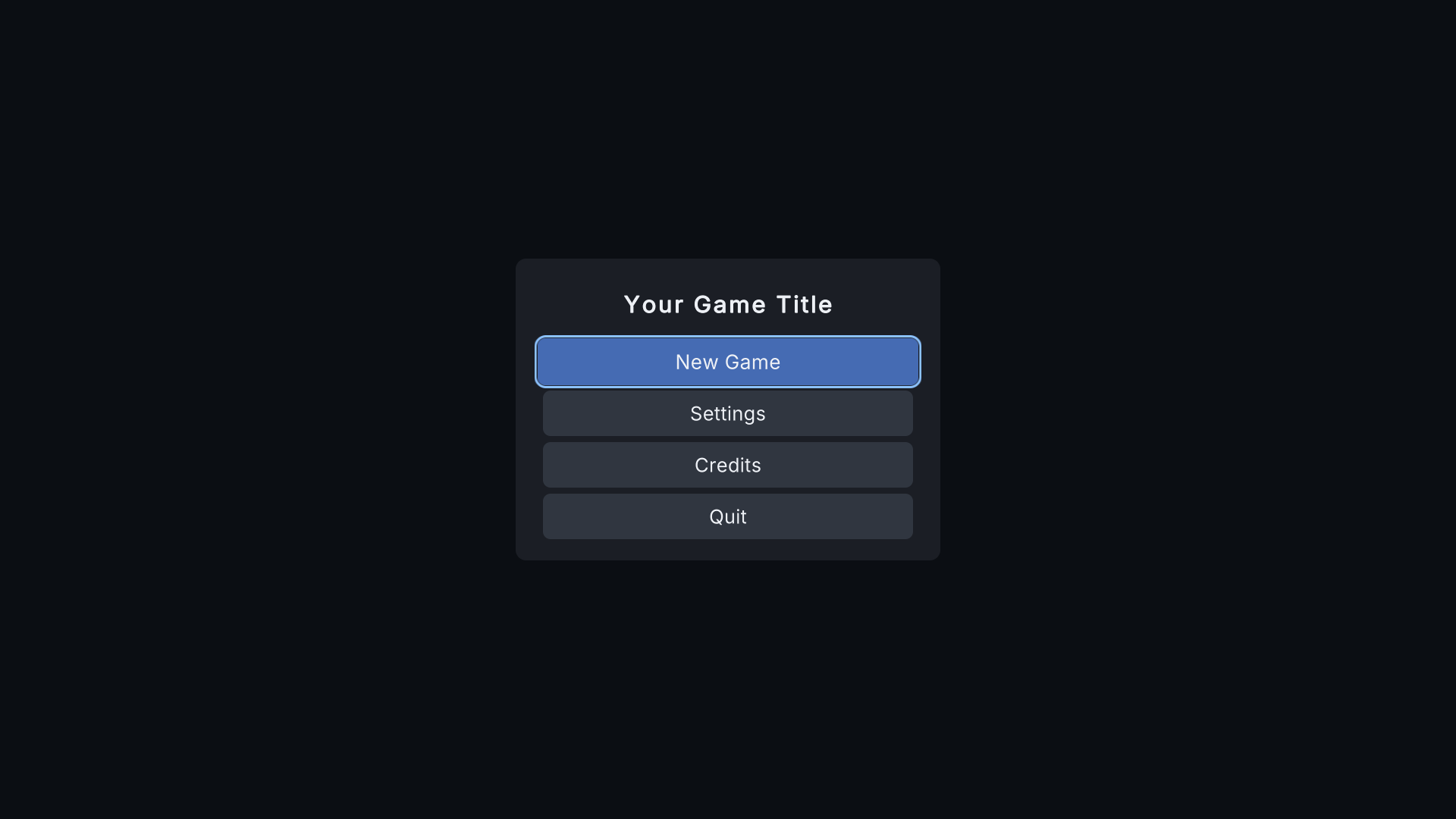
A complete game front end for Unity: title screen, main menu, settings, credits, pause menu, loading screen, confirmation dialogs, subtitles and a controller-disconnected prompt. Everything works with keyboard, mouse and gamepad, comes in three themes, can be translated, and is set up from one editor window without code.
Start here #
- Quick Start: your first working menu in a few clicks.
- Samples: four scenes to try right away.
- Using it in an existing game: your input, cursor, pause, UI, saves, audio, post effects and scenes, and a five-minute check.
- Make it yours: presets, your own theme, switching parts off, per-element overrides, your own UI.
Features #
- Screens: title, main menu, settings, credits, pause, loading, dialogs, controller prompt.
- Settings catalog: what ships, the Auto / Connect / Read tiers, adding and creating settings.
- Settings reference: every setting with its id, default and values.
- Display safety: the 15-second confirmation, crash recovery, the settings file.
- Audio: volumes with or without an Audio Mixer, UI sounds.
- Graphics: what each render pipeline gets.
- Controls and rebinding: key rebinding, controller prompts, sensitivity, vibration.
- Themes: Clean, Tactical, Storybook and your own.
- Accessibility: menu and text size, high contrast, reduced motion, subtitles.
- Languages: string tables, a language picker, pseudo-localization.
- Pause and multiplayer hooks: pause modes, input lock, events.
For programmers #
- Extending and API: reading settings, your own settings and appliers, events, code examples.
- Upgrading: what changes between versions.
Help #
Online manual: https://raregeometry.github.io/shipready/docs/