
Sharing markers with other players
Players can share their pins and stamps, and ping a spot ("look here"), with the other players: co-op, split screen or online. Bearing does not tie you to a networking library.
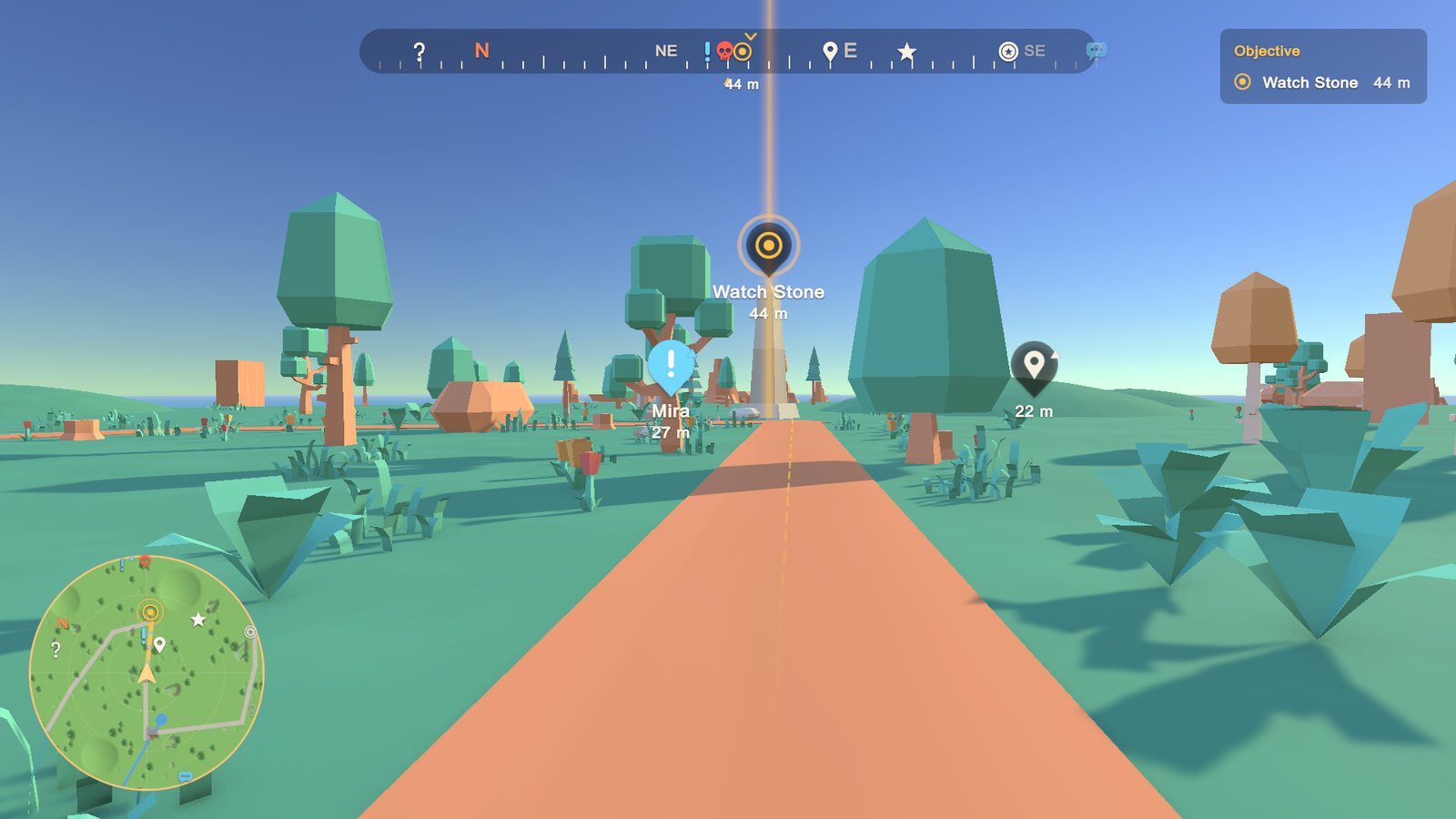
- Add Waypoint Marker Sharing to an object in the scene (one per local player). Set the player's name and colour.
- Give it a transport:
- Split screen / local co-op:
sharing.Transport = new LocalMarkerTransport("my game");for each player (same channel name). - Netcode for GameObjects: add Netcode Marker Transport to the same object. It appears only when Netcode for GameObjects (2.0 or newer) is installed. The host passes each player's markers on to everyone. - Anything else (Mirror, Fish-Net, Photon, Steam, your own): implementIMarkerShareTransport(an id,Send,Received): send the bytes, raiseReceivedwith the bytes that arrive. - That's it: new pins and stamps are shared as they are placed, moved and removed (Share Automatically), and the other players' marks appear in their colour with their name. A ping shows for Ping Seconds with a ring.
What players may do comes from the HUD's Player Map Permissions (Sharing): share their marks, see the others', remove the others' from their own map, ping, and the most shared marks shown at once.
Without networking: sharing.CodeFor(mark) gives a short code (BRG1. and letters) to paste into chat or a forum;
sharing.ImportCode(code) shows it.
From code: sharing.Share(mark), sharing.Ping(position), sharing.RemoveShared(place), events Shared and
Received. A marker travels as SharedMarker (about 40 bytes plus its words): ToBytes, FromBytes.