
Demo scenes
Open them from Tools > Bearing > Open Demo. Click the game to look around with the mouse; Escape frees the mouse. Tab switches the look, F8 opens the debug overlay, F1 hides the panel.
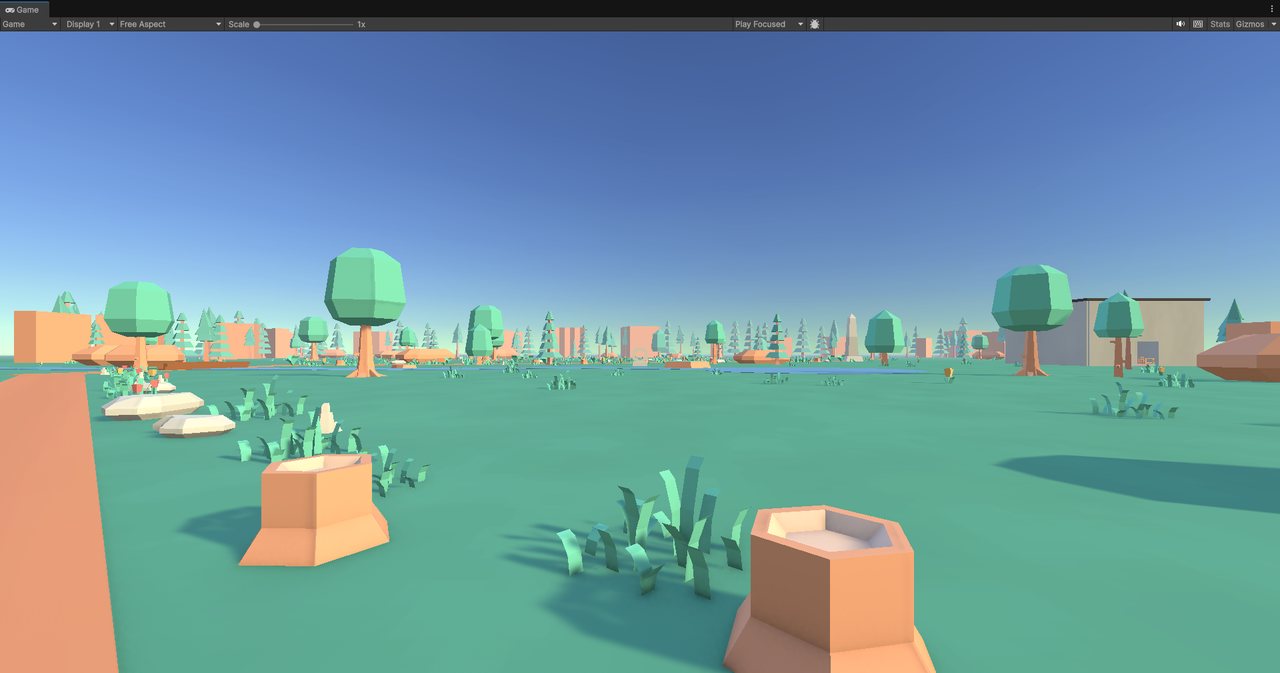
| Demo | What it shows |
|---|---|
| Showcase (follow the trail) | An island with a short story: the expedition's canoe went missing, so cross the Old Bridge, climb to the Watch Stone, find the Lost Canoe and head back to camp (reach one and the next switches on). A trader, ruins, a lookout, hidden supplies and a scout around it; a route to the current objective that keeps to the trails (a Waypoint Route set to Prefer roads, the two trails marked with Waypoint Road, and the island's NavMesh built when the scene starts by the small Sample NavMesh script so the sea, the stream and the pond are never crossed; try the other modes in Player options, O); and two boats off the cove, each on its own course (the smugglers' boat running the cove, the Harbour Patrol watching it from further out: moving entities in faction colours with trails, seen, then last known). Press M for the full-screen map with fog of war and regions; click it to place your own marker. |
| Feature Gallery | Every built-in icon on a ring of pillars around you, far places for edge arrows, and the Make it yours panel: switch the look, markers, edge arrows, compass, radar, units and radar turning. |
| Top-Down 2D | A top-down level with an orthographic camera: gold, slimes, a key and the exit gate, a north-up radar with a map. |
The demos use only what ships in the package. The island's trees, rocks and props are from Kenney's Nature Kit (CC0);
see Third-Party Notices.txt.
Using the demo scripts #
The demo player controllers and the panel are for the demos only (Samples folder). Your game uses its own controller: waypoints need nothing from it.