
Workbench and tools
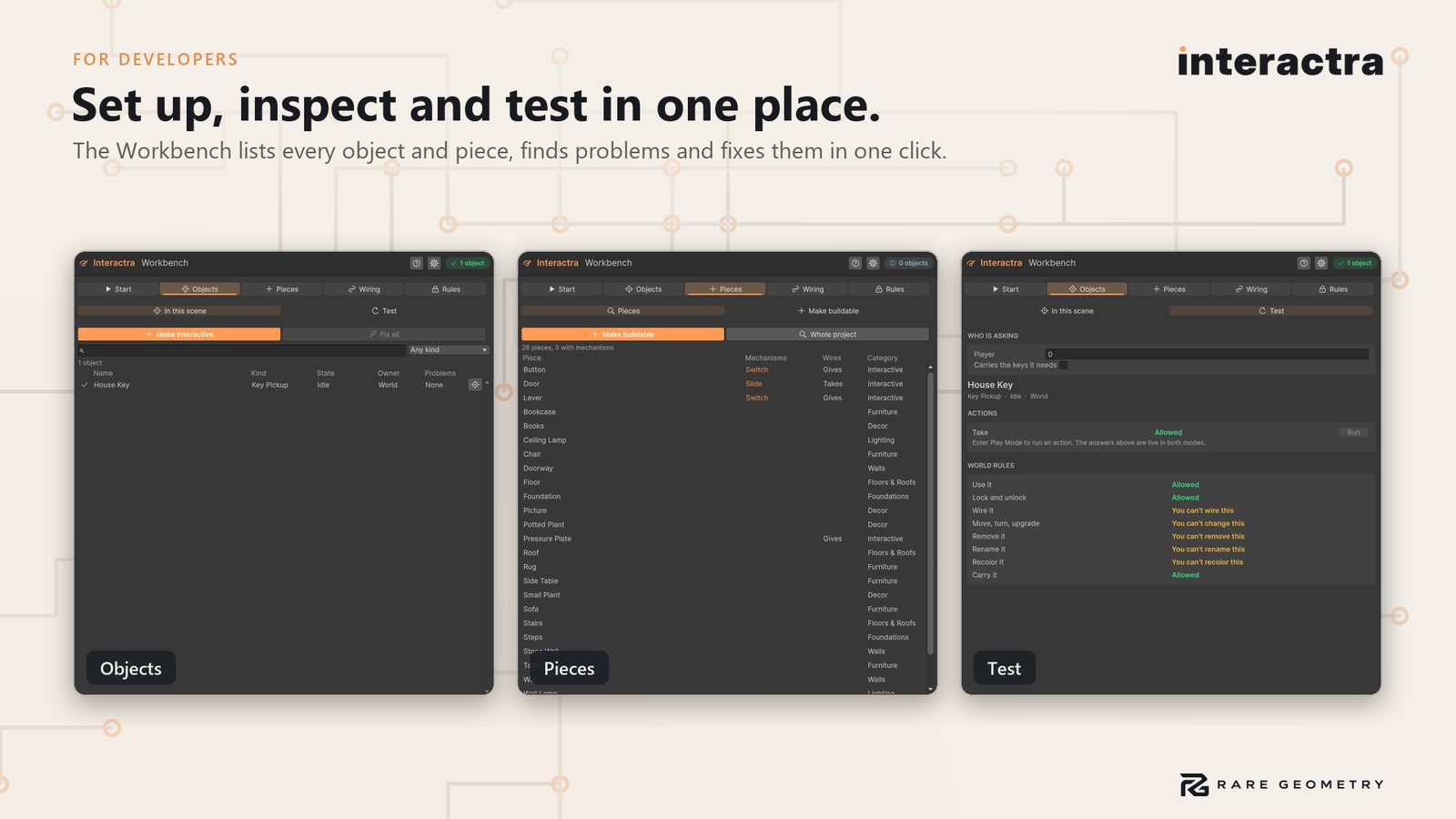
Workbench #
Tools > Interactra > Workbench is the one window for setting up, inspecting and testing. Its tabs:
| Tab | What it is for |
|---|---|
| Start | Where to begin: the demos, the Setup Wizard, and Help with every support address and Copy system info. |
| Objects | Every interactive object in the open scenes: what it is (door, drawer, lock...), its state (live in Play mode, with its prompt) and its problems. Click a name to select the object. |
| Pieces | The building pieces players can place, their icons, costs and categories, and Make buildable for your own prefabs. |
| Wiring | Power sources and what they drive, and the wire look players see. |
| Rules | World Rules: what players may do (build, wire, remove, options they may change), as presets or your own. |
The Test page lists checks to run before you ship; Help has the documentation and support links.
Checking for problems #
The Objects tab (and Tools > Interactra > Check Scene For Problems) finds common setup mistakes, with a one-click fix where there is one:
| Problem | Fix |
|---|---|
| Does nothing (no part like a Hinge or Switch) | Add one, or use the Setup Wizard |
| No collider (players can't look at it) | Adds a box collider around what it shows (2D for sprites) |
| Colliders on the Ignore Raycast layer | Moves them to Default |
| Max Distance under half a metre | Sets 2.5 m |
| Empty prompt | Uses the object's name |
| No id, or an id used twice (copied objects) | Adds one, or gives a new one |
| No Interactor in the scene | (add one to your player) |
| No prompt in the scene | Adds one |
Fix all applies every fix for errors and warnings at once (each can be undone).
Live answers in the Inspector #
In Play mode every condition (Lock, Power, Use Limit, your own) shows a line in its Inspector: Now: passes, or Now: blocks and the reason the player would see. Fields that are empty on purpose say so (for example a Power Receiver's Source, which a wire placed in play fills).
Making many prefabs interactive #
Select prefabs in the Project window (as many as you like), then Assets > Interactra > Make Selected Prefabs Interactive, or Convert all selected prefabs in the Setup Wizard. Models with doors, drawers and lids as child objects get each part set up; single objects are recognised by name (switch, button, lever, plate, crate, note, keypad, fuse box, door). Your originals are never changed: a new prefab is saved next to each. Anything it can't recognise is listed so you can set it up in the wizard.
Gizmos #
Select an Interactable to see how close players must be (its bounds grown by Max Distance). Hinges show their arc, ladders their climb and exits, elevators their stops.