Coming soon to the Unity Asset Store

Shipready
Menus, settings, saves, tutorials and playtest tools for Unity, in one connected package. From first launch to final save: the title screen, the settings players expect, saving that survives crashes, a first-time tour, and bug reports with the steps attached.
- Unity 6000.0.85f1+
- Built-in, URP & HDRP
- Unity UI with TextMesh Pro
- Full C# source
How it works
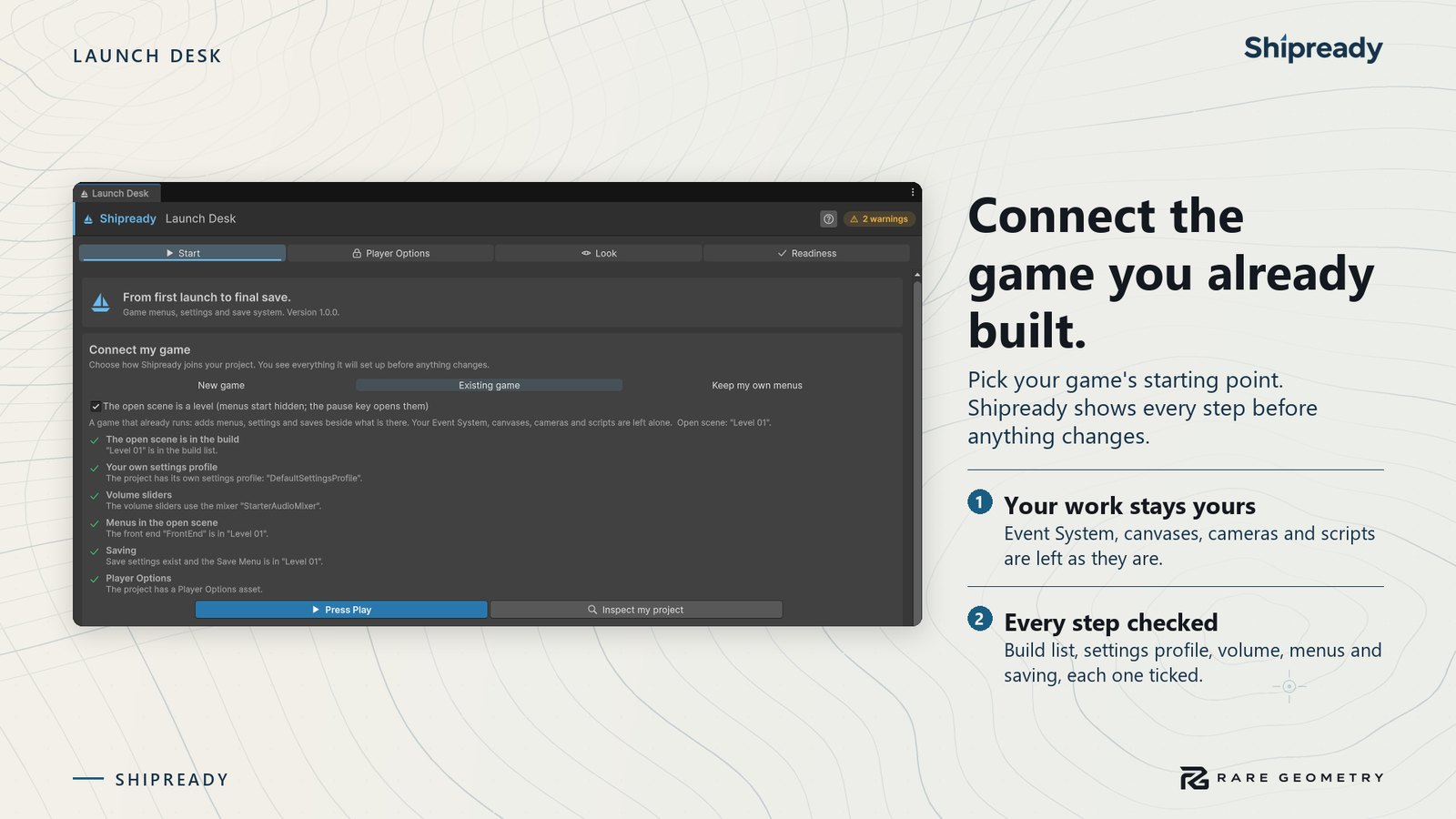
Connect the game you already built
-
Open the Launch Desk
Tools > Shipready > Launch Desk. Pick your game's starting point. Shipready shows every step before anything changes. -
Connect
Menus, settings and saves join your scenes. Your Event System, canvases, cameras and scripts are left as they are.
-
Press Play
The title screen opens, settings apply and come back, and the game saves and continues where the player left off.
Features
Everything players touch before, between and after playing
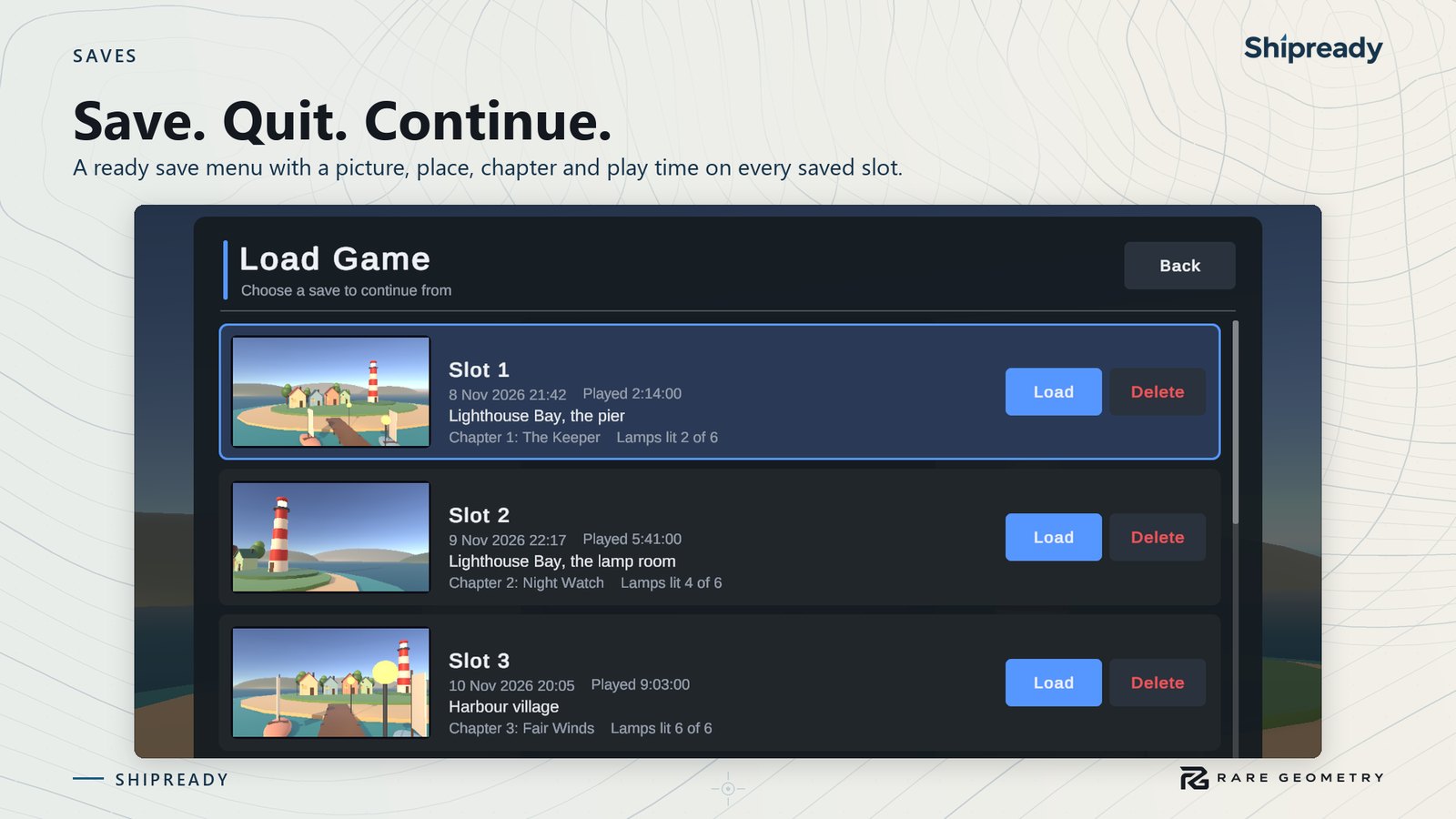
Save. Quit. Continue.
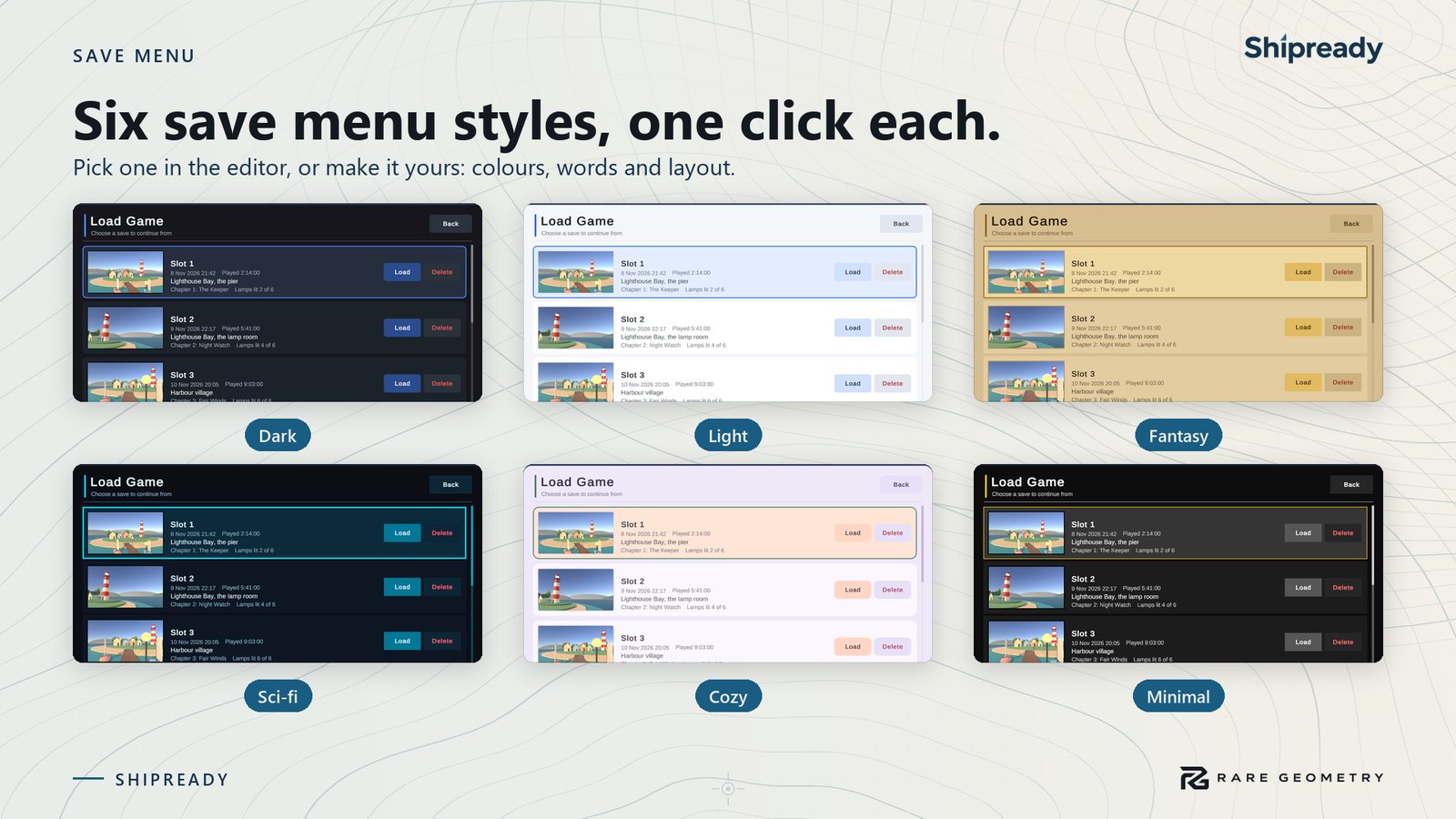
Saves- Slots, autosaves and quicksaves that survive crashes, with a picture, place, chapter and play time on every card.
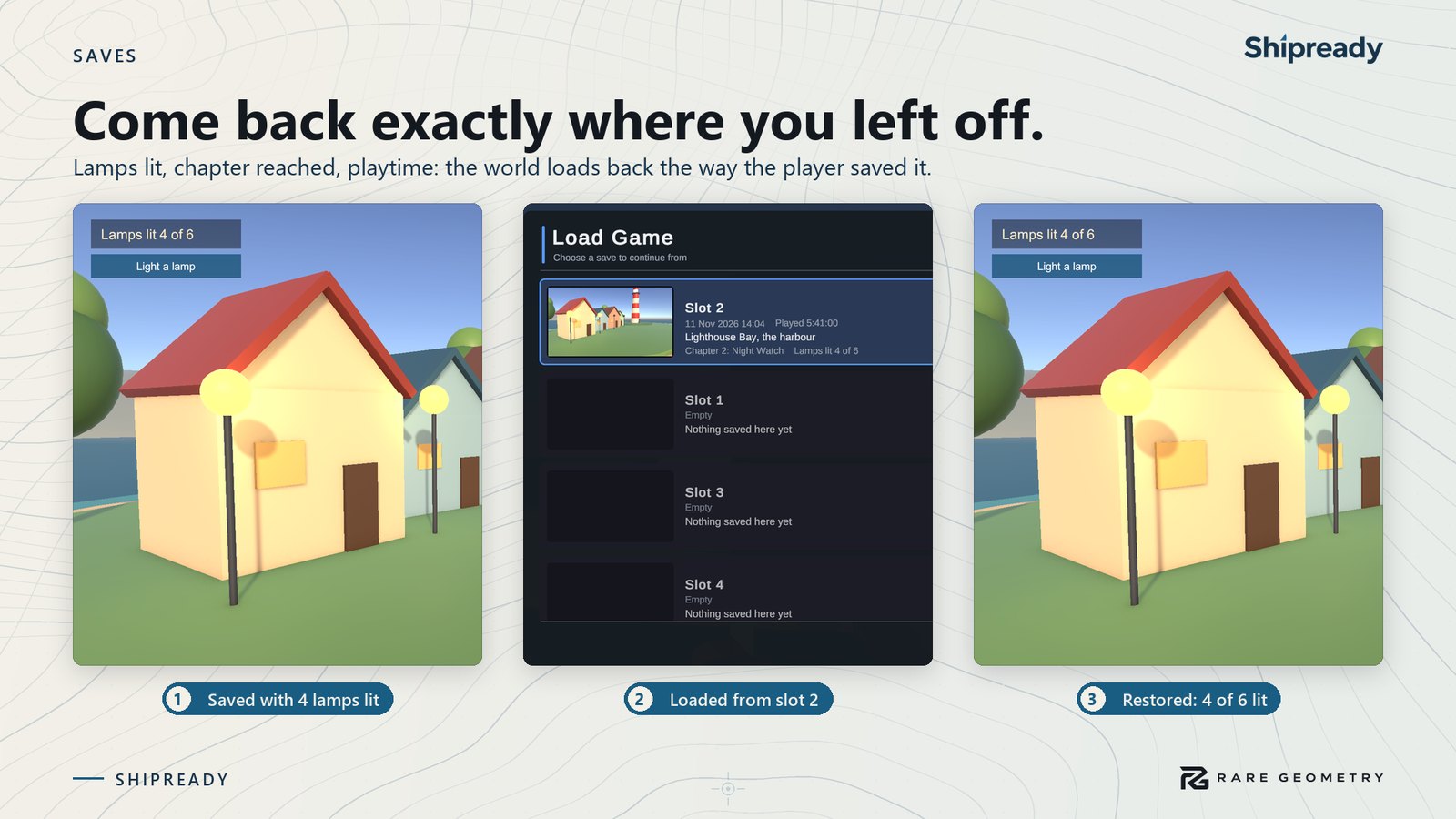
- Objects remember their state with one component; the world loads back exactly as the player left it.
- Six save menu styles, or your own colours, words and layout. Backups and automatic recovery from damaged saves.
Player settings
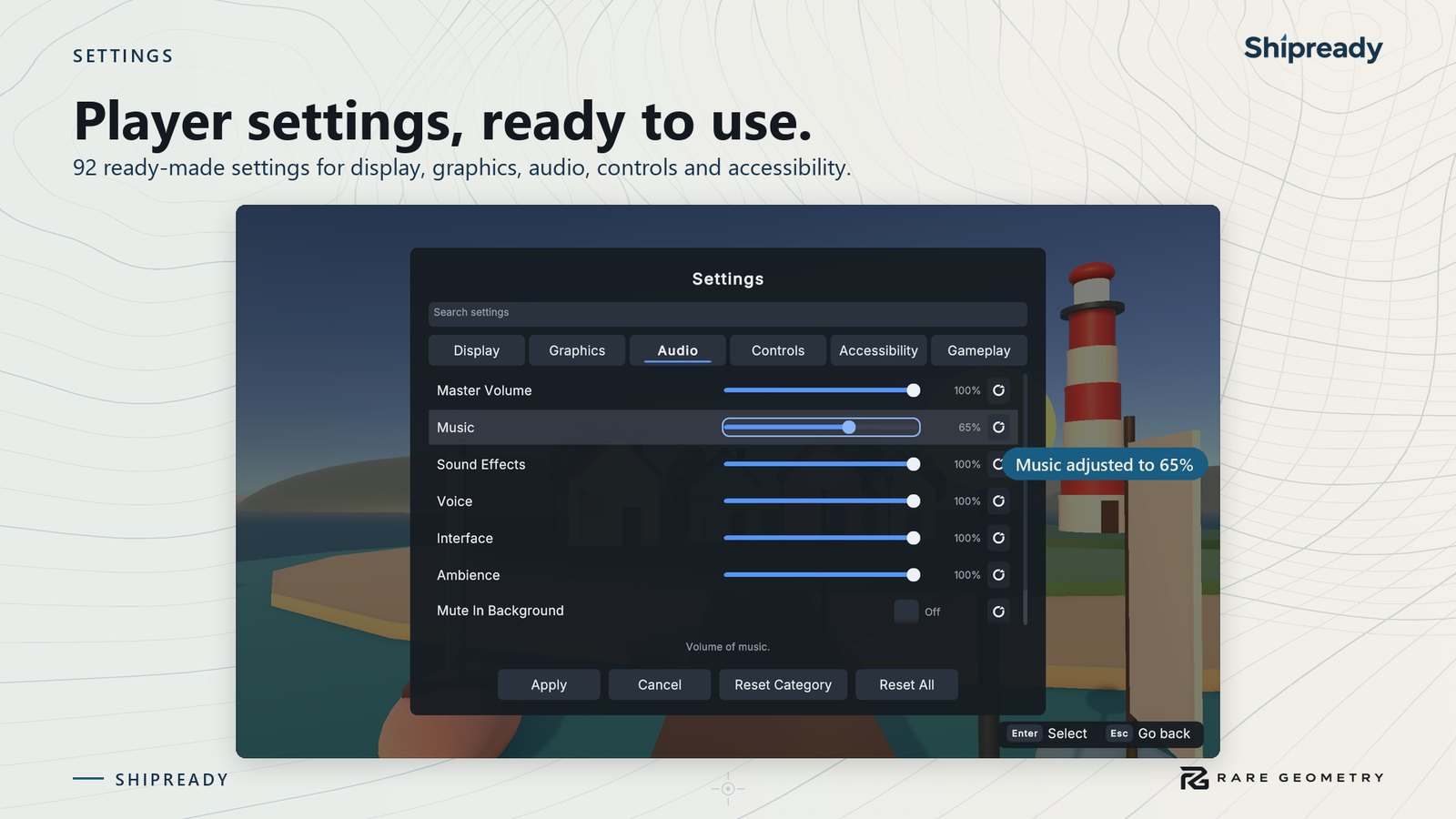
- 92 ready-made settings: display, graphics, audio, controls and accessibility
- Key and button rebinding for keyboard, mouse and gamepad
- Display changes that undo themselves unless kept
Accessible
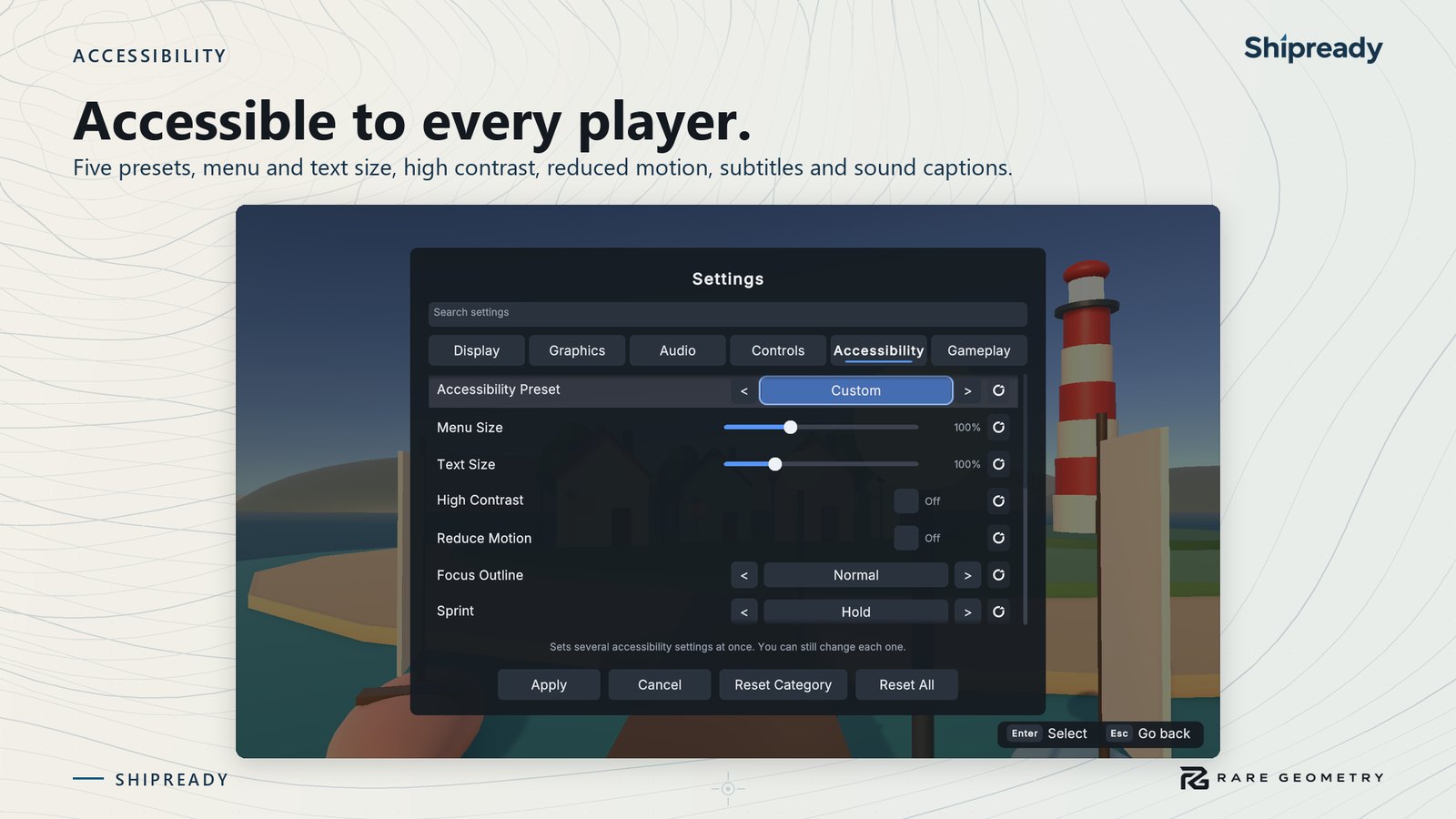
- Five accessibility presets
- Text and menu size, high contrast, reduced motion
- Subtitles with speaker names and sound captions
One look, every screen
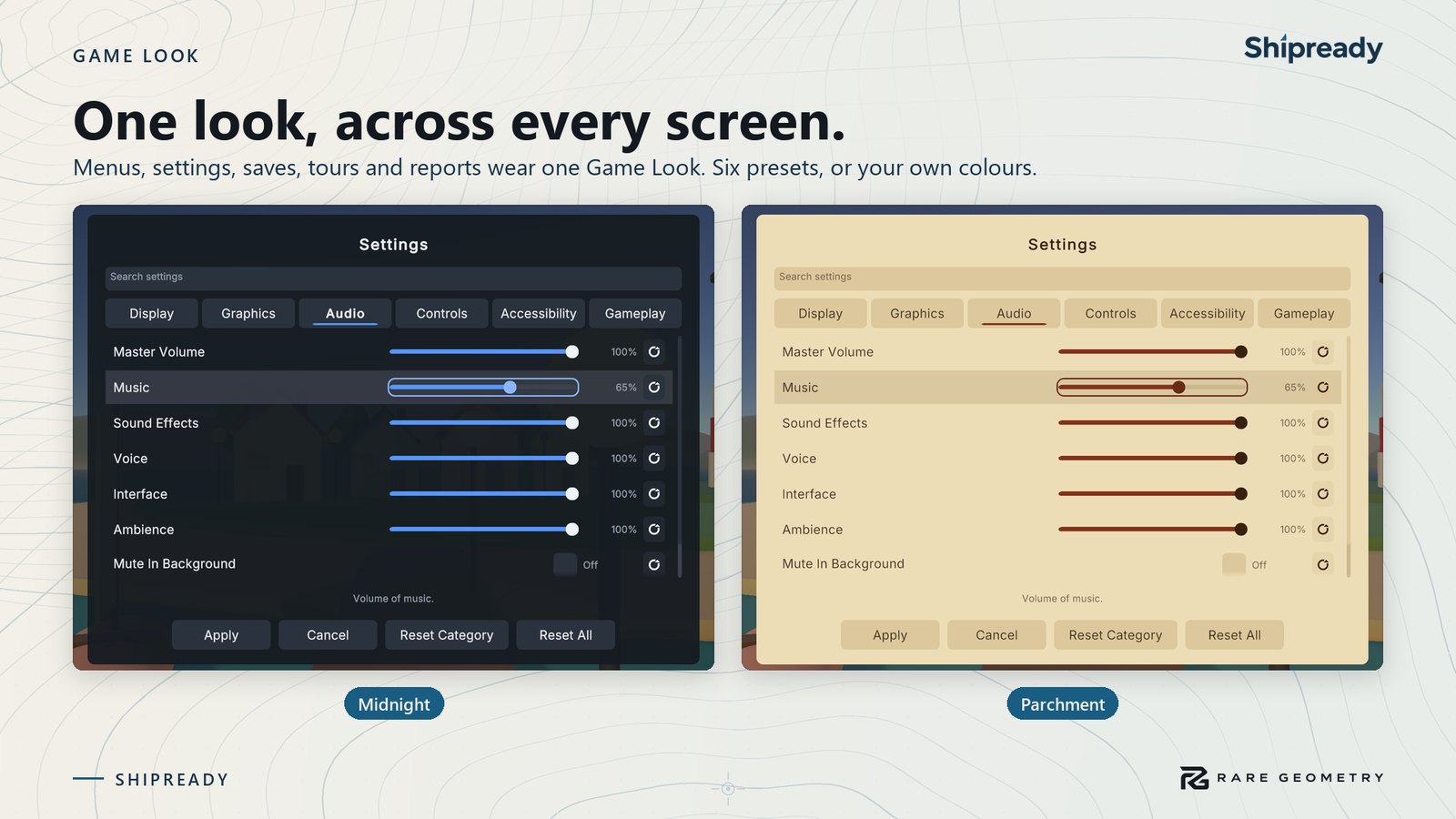
- Six Game Look presets, or your own colours and fonts
- Menus, settings, saves, tours and reports all follow it
- Readable by design: every text colour is checked
A complete front end
- Title, main menu, pause, confirmation, loading and credits screens
- Mouse, keyboard and gamepad everywhere
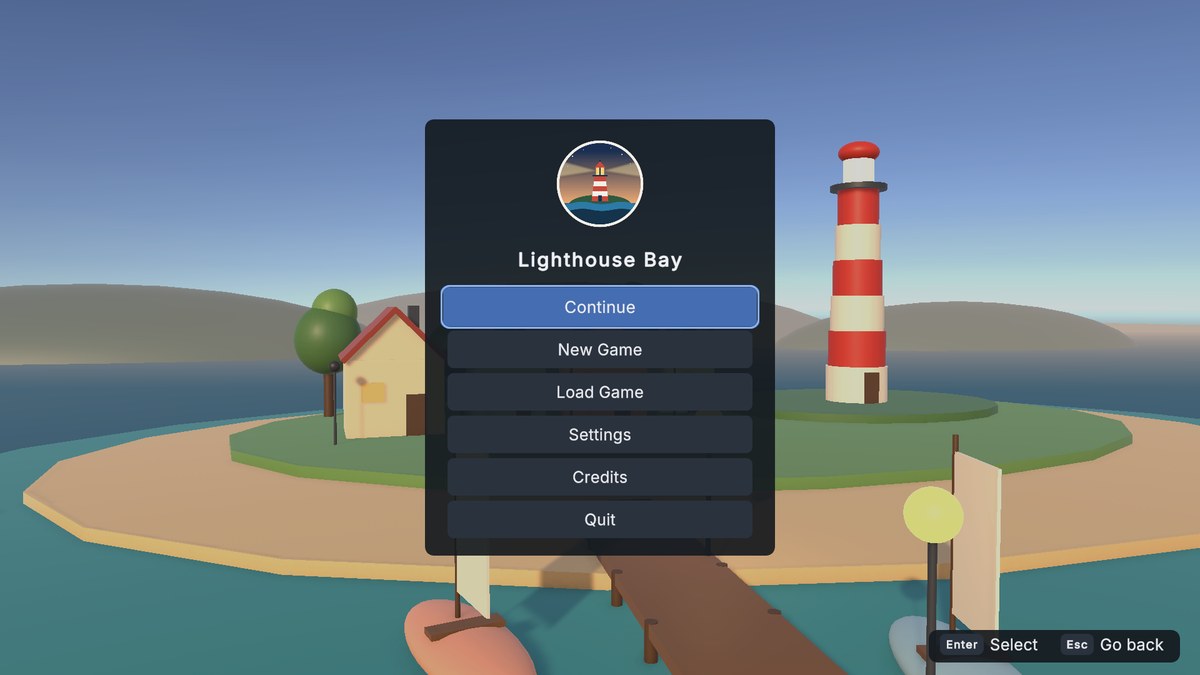
- Continue loads the latest save
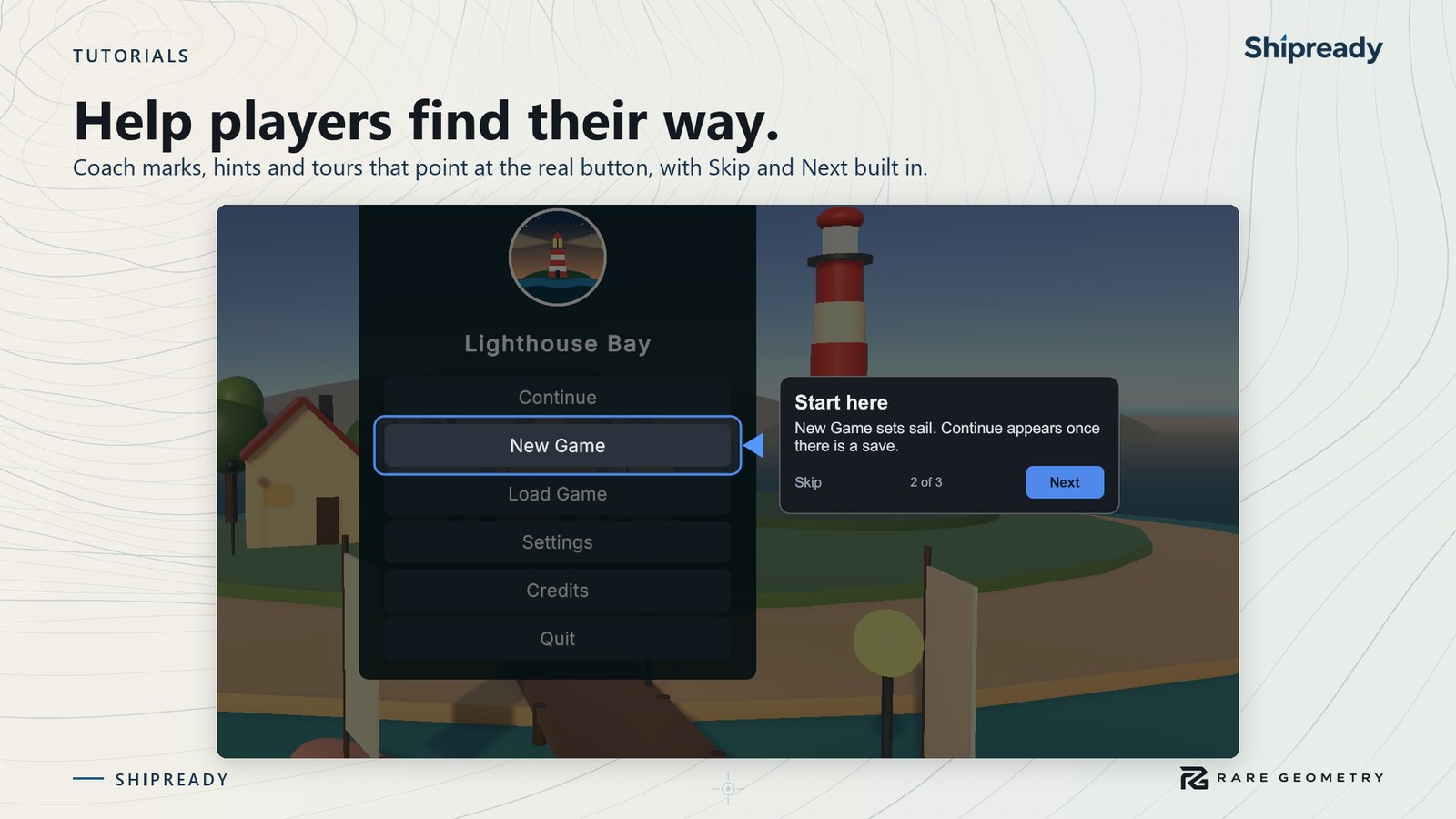
Help players find their way
- Coach marks, hints and step-by-step tours
- They point at the real button and finish when the player does the thing
- Skip and Next built in
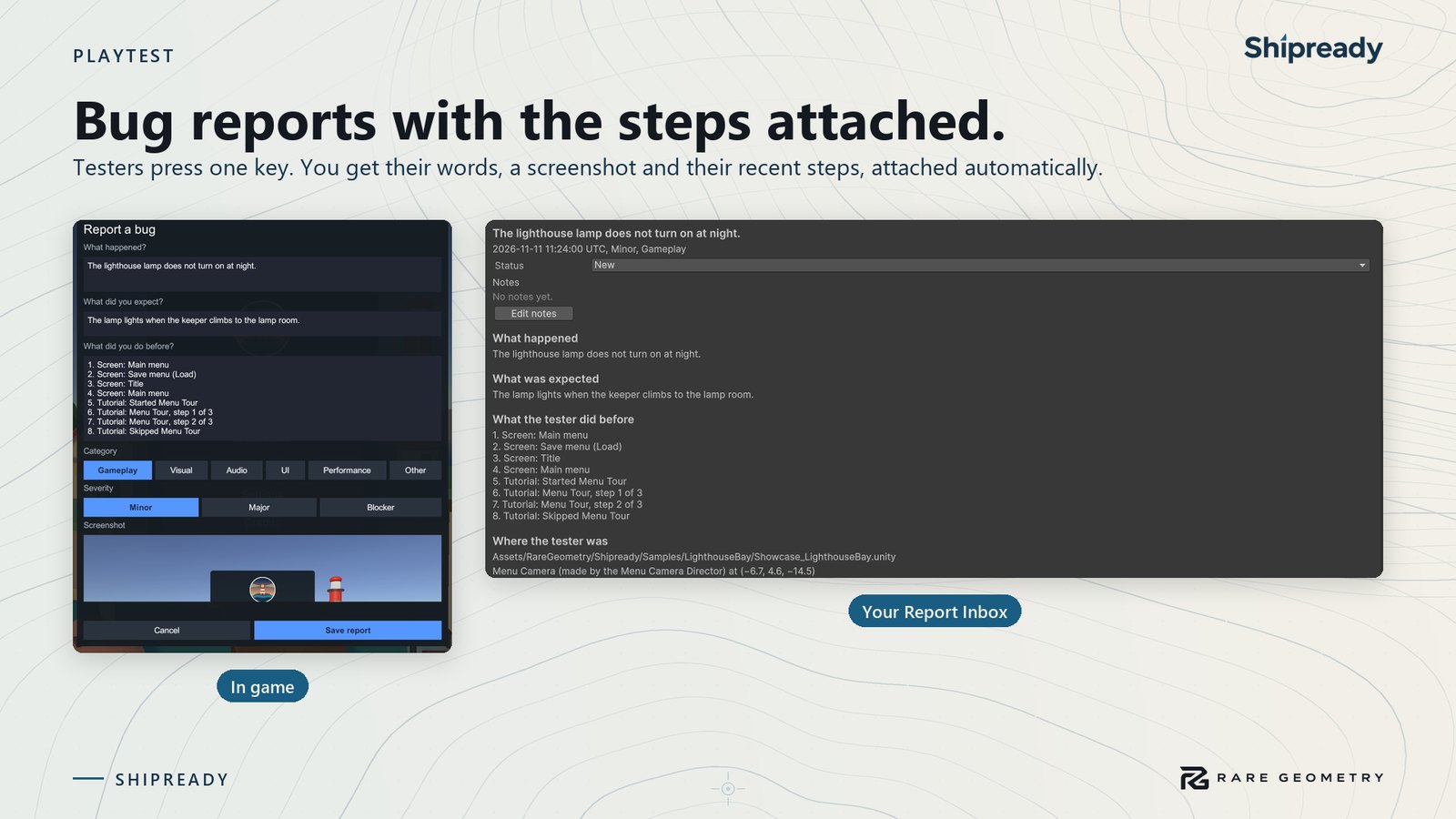
Playtest with context
- Testers press one key: their words, a screenshot and their recent steps in one report
- A Report Inbox in the editor and a debug overlay with your own buttons
- Reports to Discord, Slack or your server
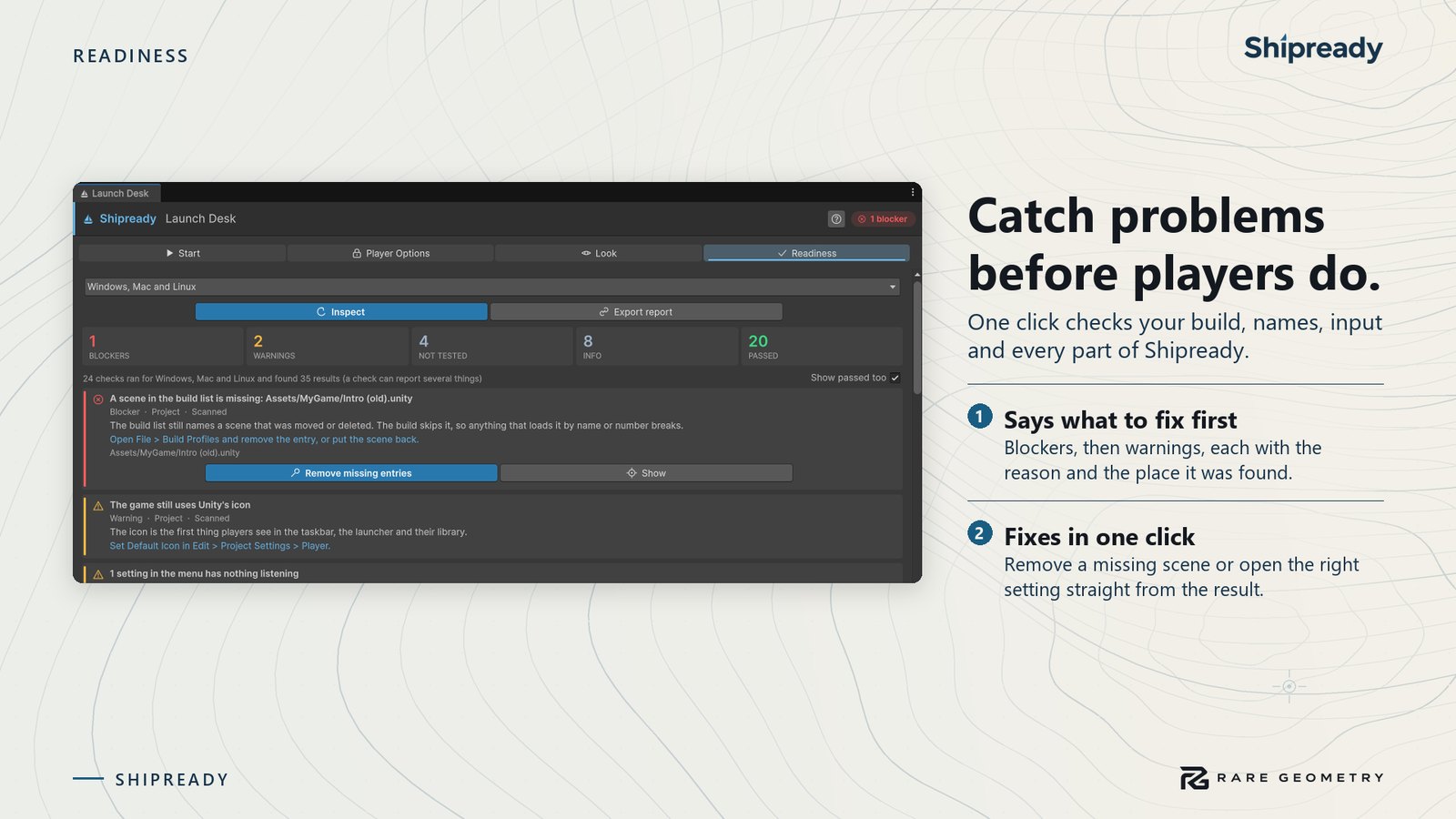
Catch problems before players do
Readiness- One click checks your build list, names, input and every part of Shipready, and says what to fix first.
- Fixes in one click: remove a missing scene or open the right setting straight from the result.
- Player Options: one asset decides which settings, saves and tester tools each build allows.
Gallery
Real screens from the package
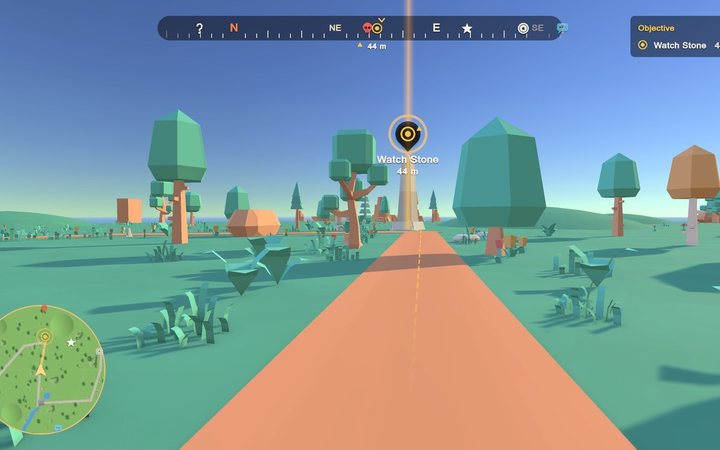
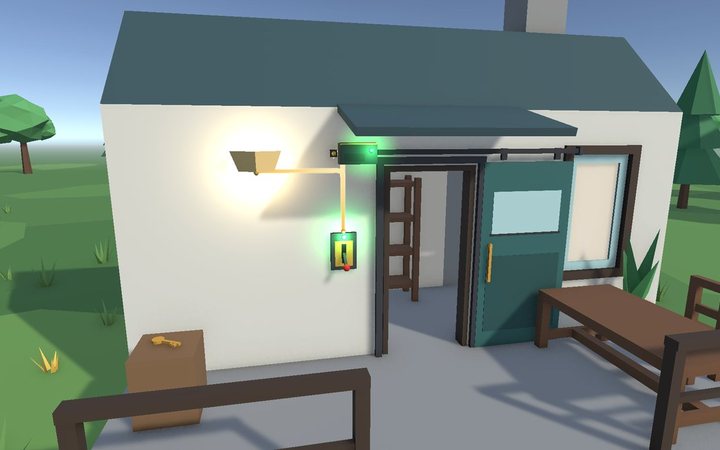
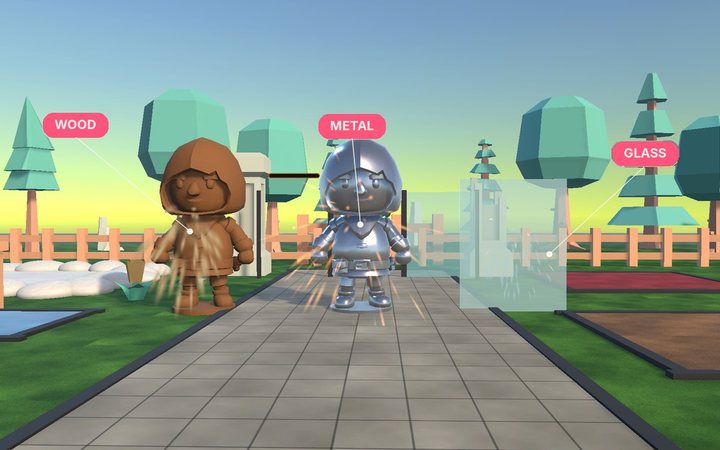
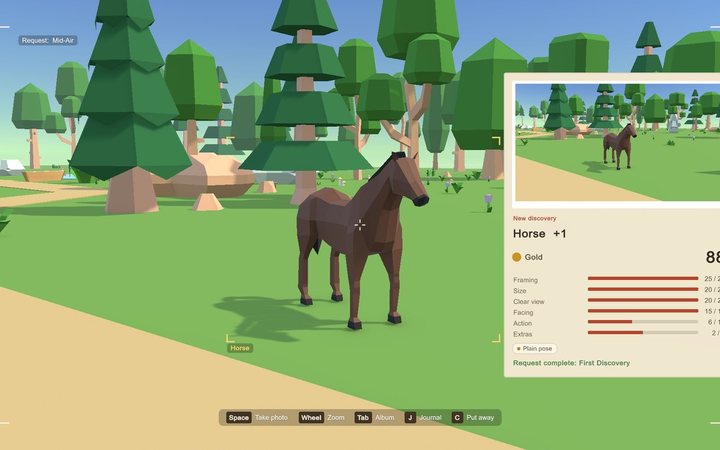
Every picture is a real capture of Shipready, from the Lighthouse Bay showcase and the editor.
Technical details
Built to be dependable
| Unity | 6000.0.85f1 or newer (tested on 6000.0, 6000.3 and 6000.6) |
|---|---|
| Render pipelines | Built-in, URP and HDRP |
| Input | Input Manager (old) or the Input System package |
| Platforms | Tested on Windows and in web (WebGL) builds |
| Needs | Unity UI (uGUI) with TextMesh Pro, which every Unity 6 template has |
| Saves | JSON files with backups and crash recovery; browser storage on the web |
| Source | Full C#, one assembly per part, so unused parts can be removed |
| Menu | Tools > Shipready |
Good to know
Limits, stated up front
- Screen readers are not supported: Unity UI has no screen reader support.
- Android and iOS haven't been tested yet.
- Your data stays in your own folder, so updates never touch it.
Status
- Version 1.0.0, coming soon to the Unity Asset Store. The documentation and the web demo are online now.
Hear the day it launches
Join the Rare Geometry Discord for launch news, or ask a question about Shipready now.
Support
Help with Shipready
Stuck, found a bug or have an idea? Pick whichever is easiest. Every message gets an answer.
Docs
Help and troubleshooting
Common problems and their fixes, and what to include when you ask.
CommunityDiscord
Ask questions, share what you build, hear about updates first.
BugsReport a bug
Open an issue on GitHub and follow it until it is fixed.
EmailEmail the developer
raregeometrysupport@gmail.com
More from Rare Geometry
Other tools, built to the same standard