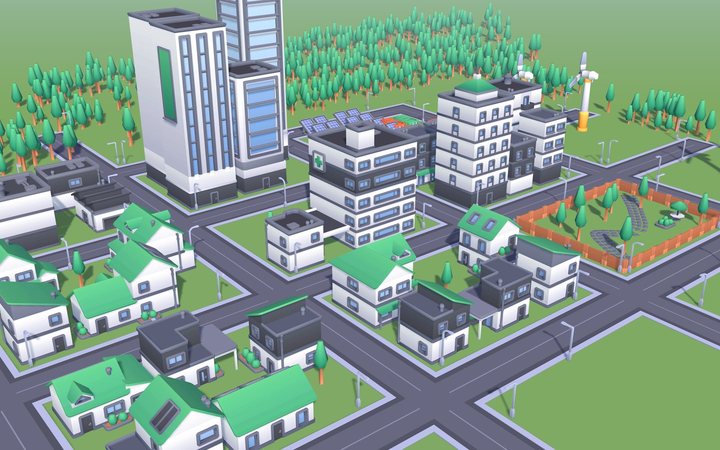
Coming soon to the Unity Asset Store

Responsive FX
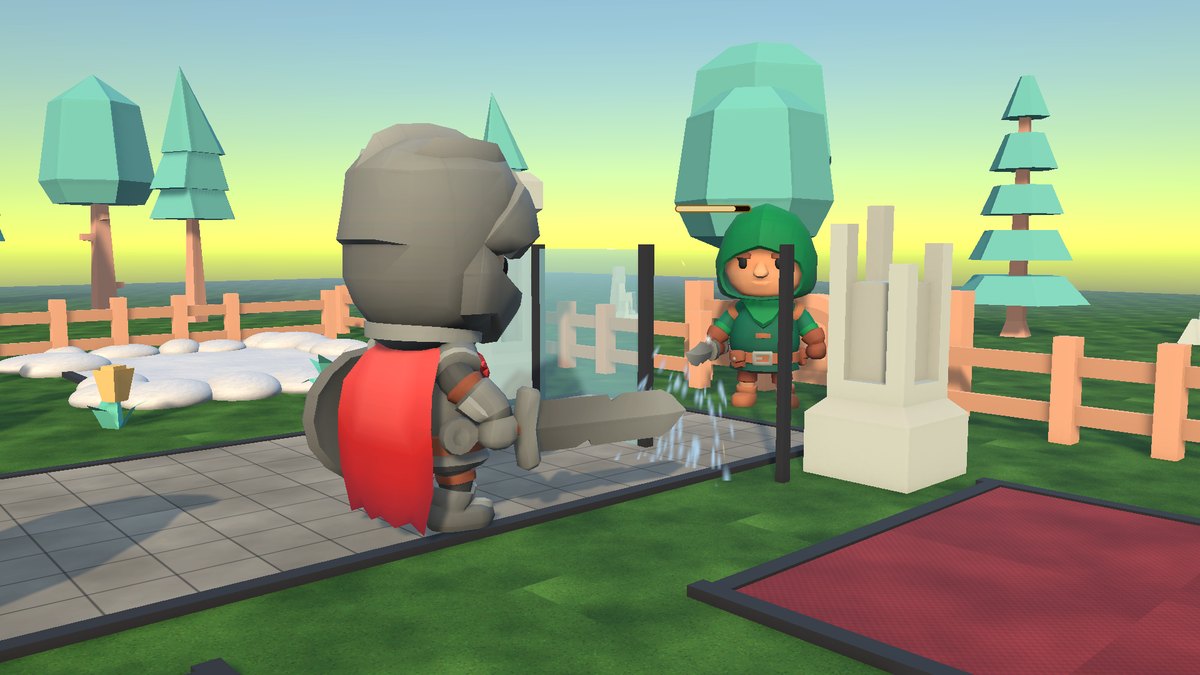
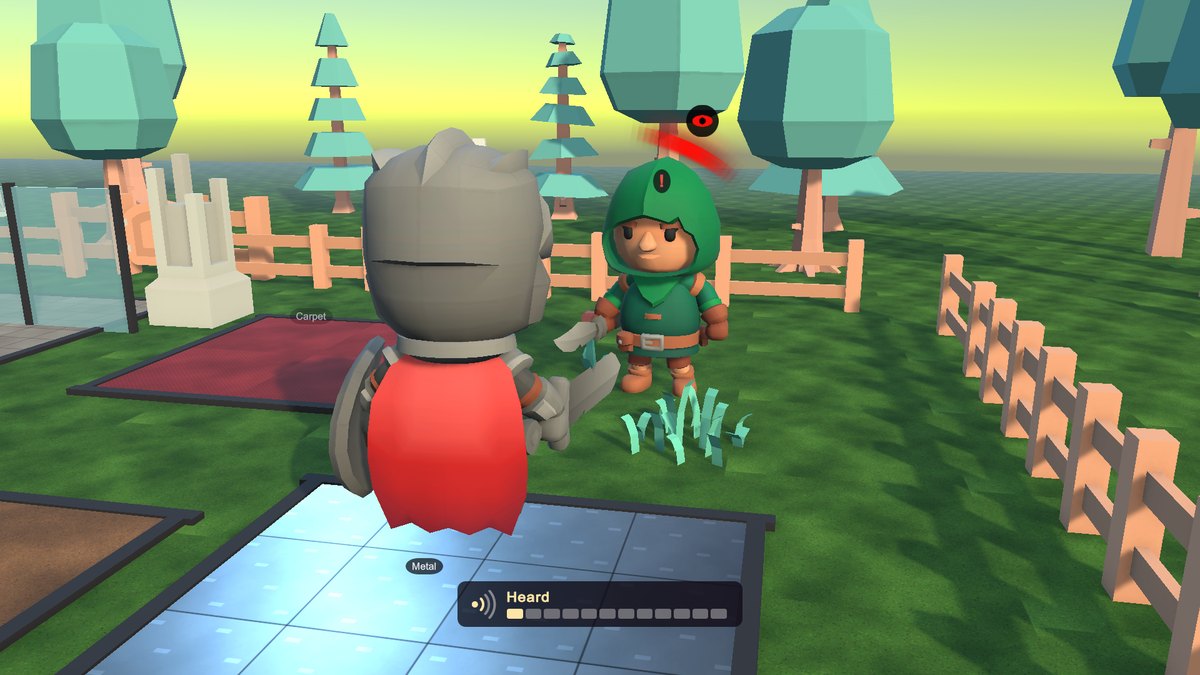
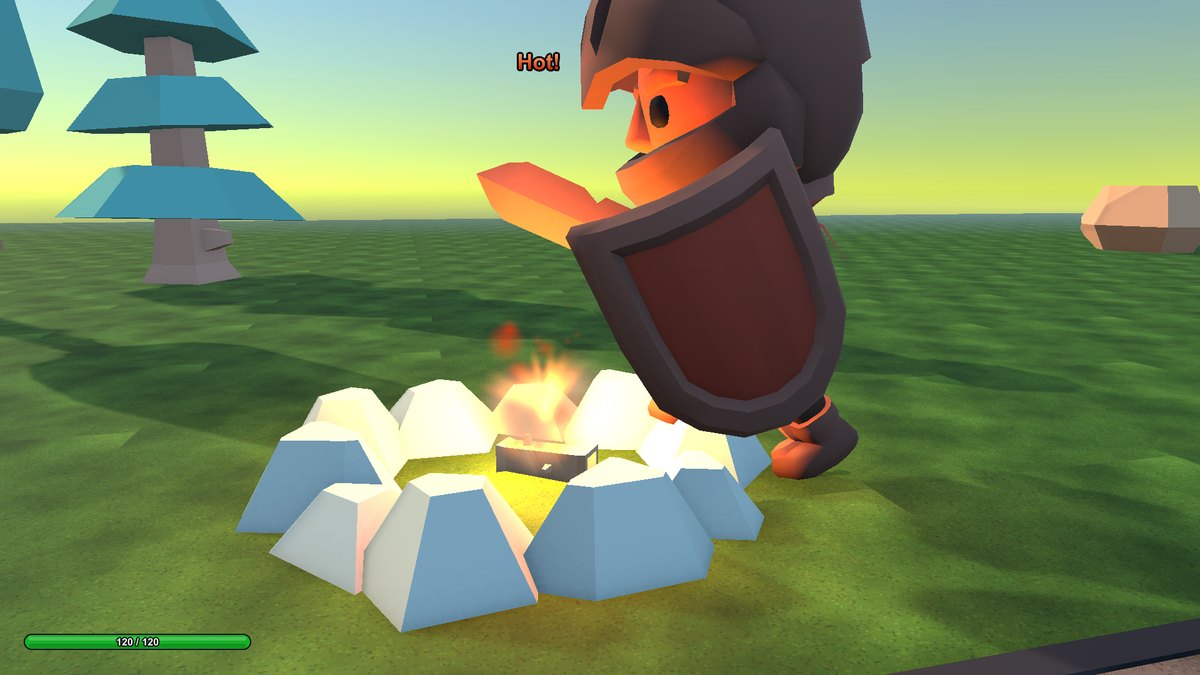
Game feel for every hit, step and impact. A sword on armour sparks, rings and shakes the camera; a bullet through glass leaves shards and a crack; boots crunch on gravel and go quiet on grass, and the guard down the hall hears them. One system runs it all: a contact lands on a surface, and the surface answers with a sound, an effect, a mark, screen feedback and a noise your AI can hear.
- Unity 6000.0+
- Built-in, URP & HDRP
- 2D and 3D
- No dependencies
How it works
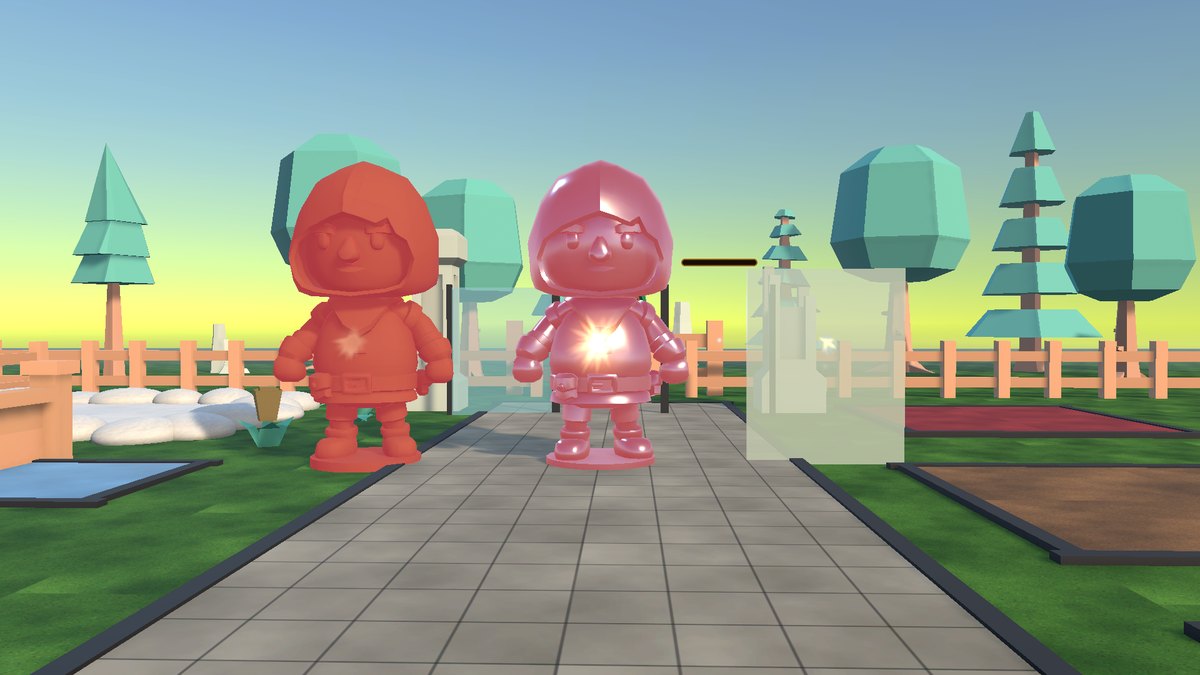
A contact lands. The surface answers.
-
Tag your surfaces
17 ready surfaces (wood, stone, metal, glass, snow, water and more). Materials, tiles and terrain layers are matched for you.
-
Add it to your characters
The Setup Wizards add hit feedback and footsteps to any character, with any controller. Your prefabs get variants; originals stay as they are.
-
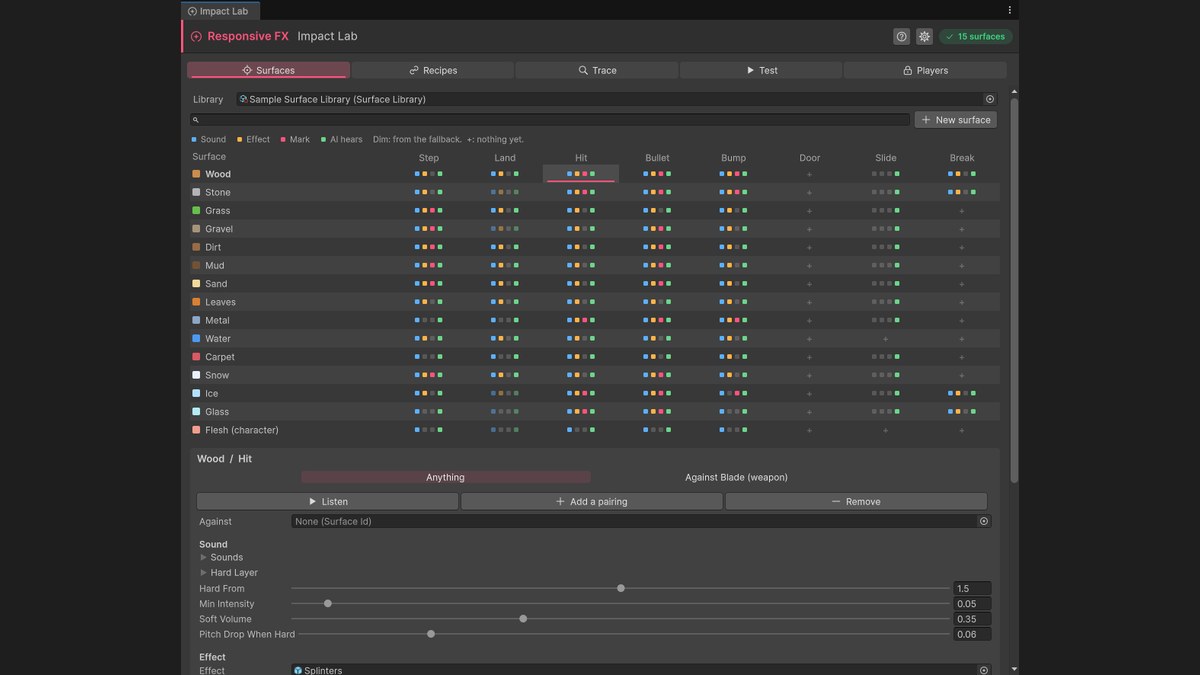
Tune it in Impact Lab
Every surface against every kind of contact in one grid. Click a square, press Listen, adjust. The Trace says what played and why.
Features
Everything that touches anything
Hit feedback
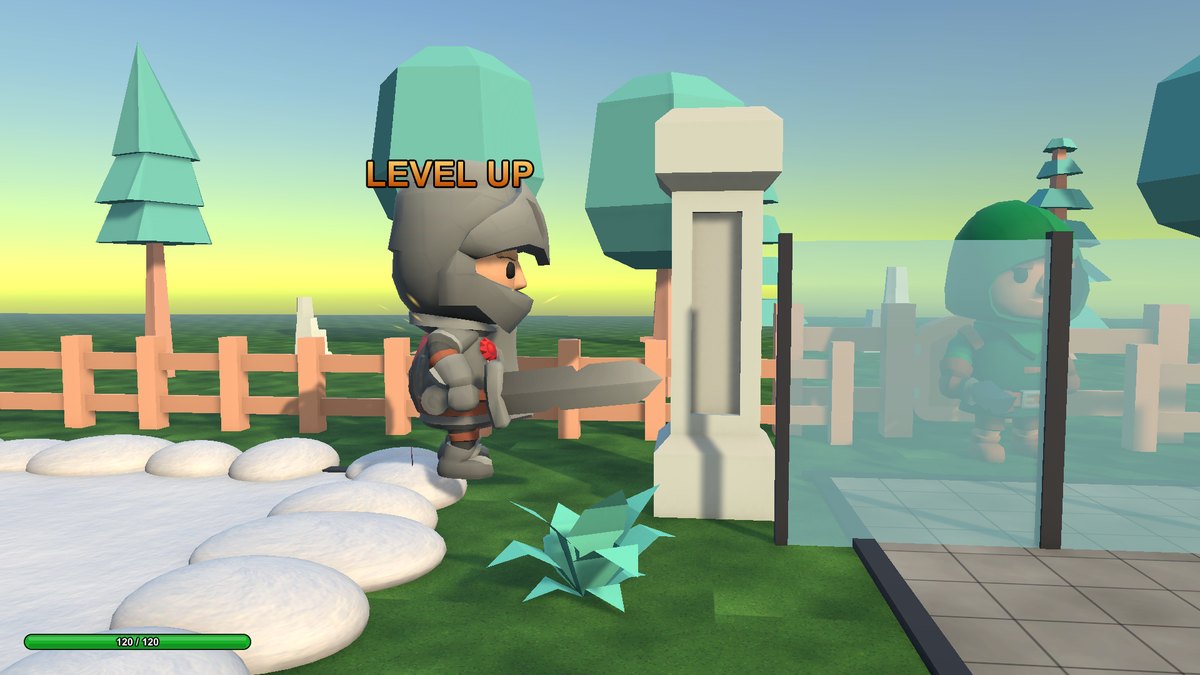
The headline- The whole hit: damage numbers, flash, hitstop, shake, knockback, squash, health and boss bars, sparks and the kill moment.
- Four looks restyle numbers, bars, flash and sparks together; genre presets, a Juice slider and the Recipe Studio timeline (Impact first, Heavy blow, Final blow).
Footsteps
- 2D and 3D, any controller, any animation or none
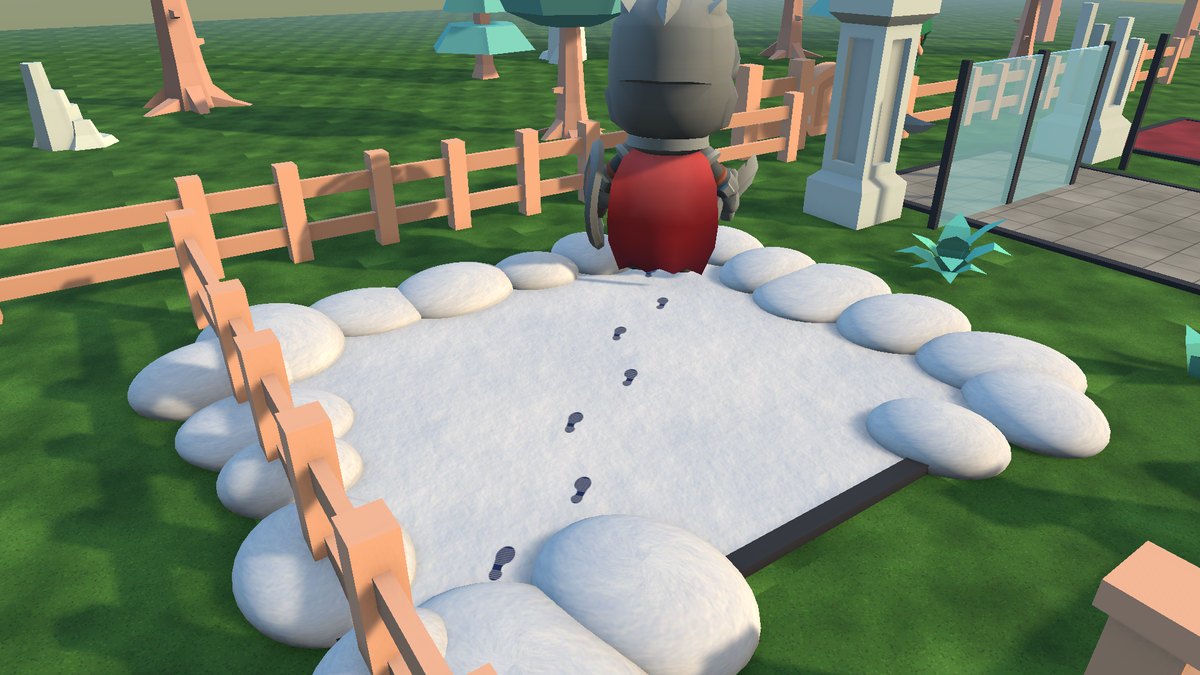
- Footprints that stay; effects per surface
- Weather and footwear change the answer
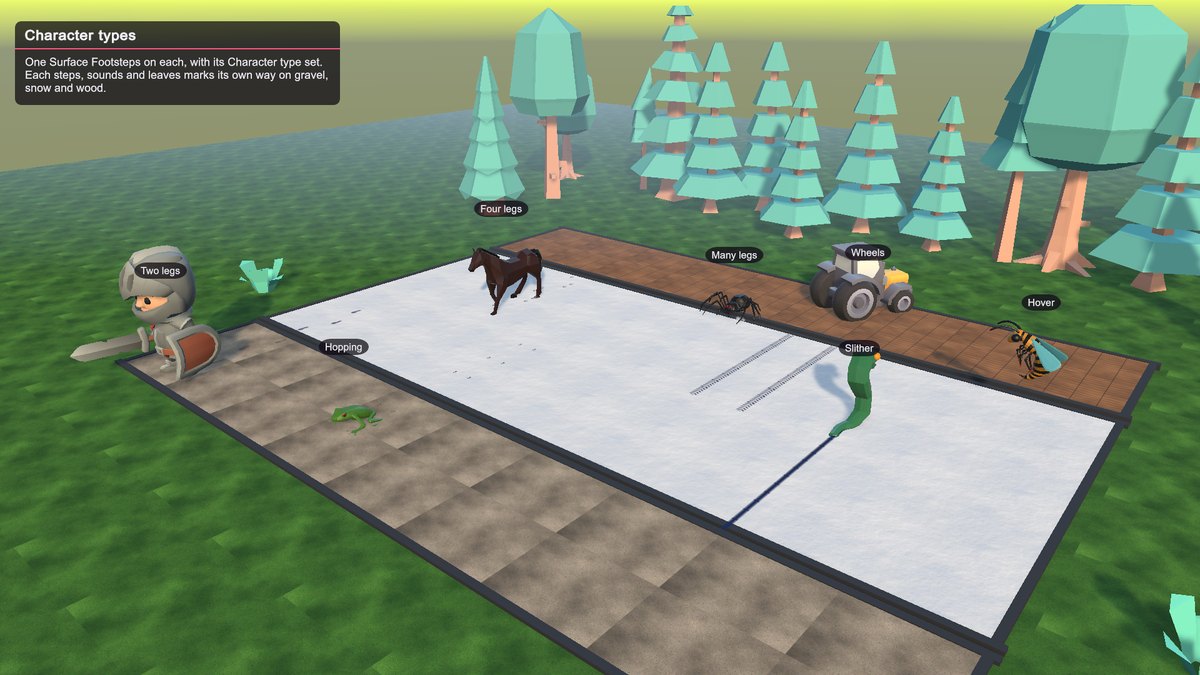
- Character types: two legs, four legs, hopping, many legs, wheels, slithering and hovering
Feedback Player
Any other moment- A list of feedbacks for a pickup, a jump, a button or a blast: 31 kinds, from camera shake and freeze frames to punches, particles and vibration
- 8 ready moments; play a list from code, a UnityEvent or a no-code trigger
- Save a list once: hits, surfaces and the Response Graph can play it
Surface impacts
- Bullets in one line; marks that stay on what they hit
- Physics objects answer their own bumps, slides and rolls
- Breakables crack, cloud and shatter
AI hearing
- Listeners hear steps and impacts by loudness and distance
- Sound passes through open doors, not walls
- Trails AI can follow
The player's side
- The Sound Ring: where sounds came from
- Damage direction, low-health cue, captions, a noise meter
Impact Lab
One window- Every surface against every contact, colour-coded parts
- The Event Trace and the Response Graph for special cases
Why no feedback?
- Every part of every hit and step: played or skipped, and why
- An in-game panel for footsteps (F4)
Players get their own options
You decide- A ready options screen: shake, flashes, numbers, volumes, captions, vibration and presets such as Reduced motion.
- Gated by you: you choose what players may change. Options never change damage, timing or what AI hears.
Included demos
Try it before you add it to your game
Technical details
Built to be dependable
| Unity | 6000.0.85f1 or newer (tested on 6000.0, 6000.3 and 6000.6) |
|---|---|
| Render pipelines | Built-in, URP and HDRP |
| 2D and 3D | Both |
| Input | Either input system |
| Dependencies | None. Optional bridges for Cinemachine, the Input System, TextMesh Pro, Netcode for GameObjects and Feel |
| Performance | Pooled sounds, effects and marks; no garbage per hit or per step once warm |
| Menu | Tools > Responsive FX |
Good to know
Limits, stated up front
- Responsive FX shows and sounds contacts; it doesn't decide them. No weapons, AI behaviour or stats (a basic Health component is included).
- Feedback is local: play it on each client from your own networked event (a Netcode bridge is included).
Status
- Version 1.0.0, coming soon to the Unity Asset Store.
Hear the day it launches
Join the Rare Geometry Discord for launch news, or ask a question now.
Support
Help with Responsive FX
Stuck, found a bug or have an idea? Pick whichever is easiest. Every message gets an answer.
Docs
Help and troubleshooting
Common problems and their fixes, and what to include when you ask.
CommunityDiscord
Ask questions, share what you build, hear about updates first.
BugsReport a bug
Open an issue on GitHub and follow it until it is fixed.
EmailEmail the developer
raregeometrysupport@gmail.com
More from Rare Geometry
Other tools, built to the same standard